Showing posts with label Thursday. Show all posts

Friday, December 6, 2019

Foliage VFX: Week 3 Thursday

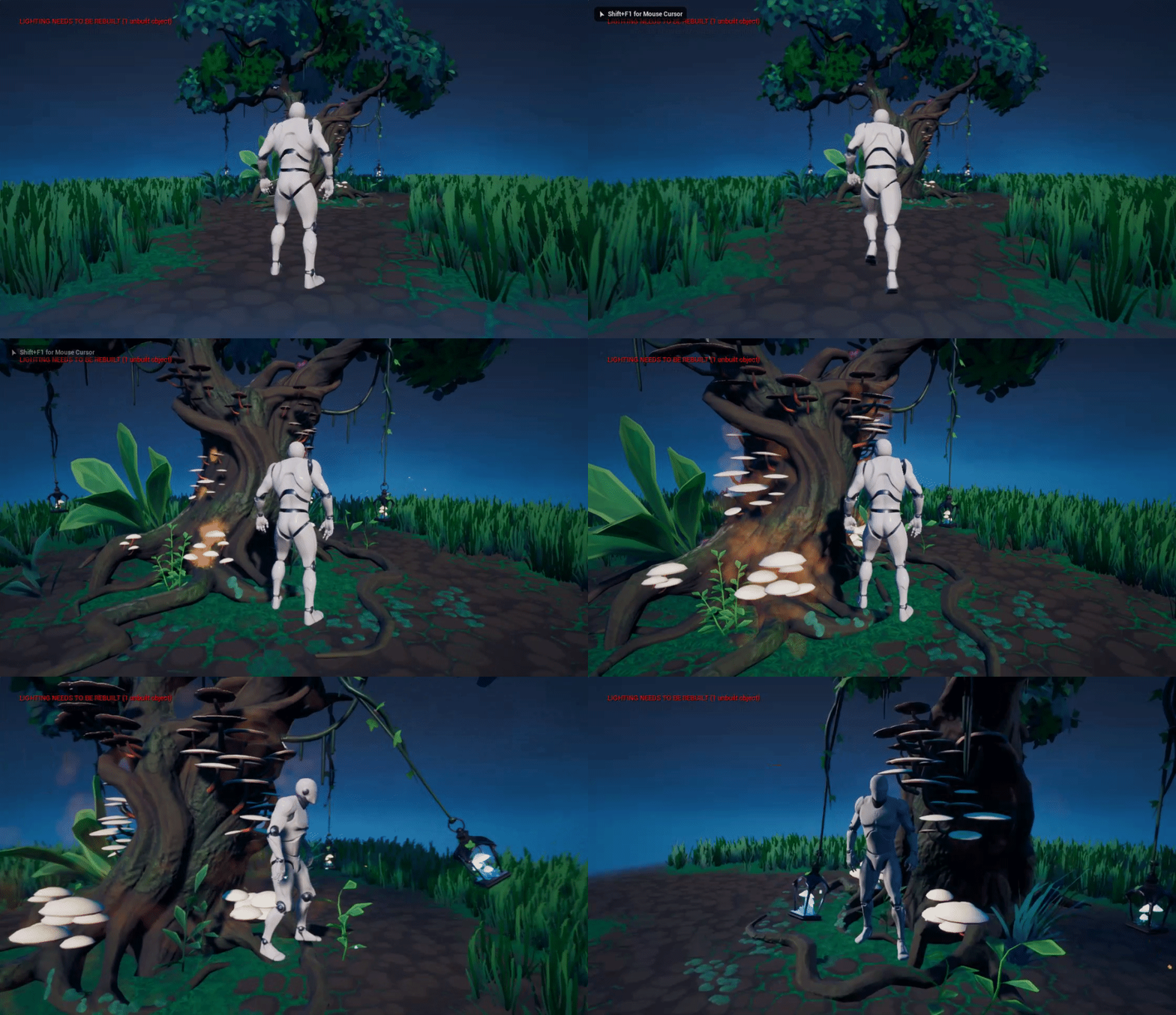
After learning how to make the global material parameter and the grass wind effects in blueprints, I decided to put what I'd learnt to use on some unrelated things: the mushroom growth from before.

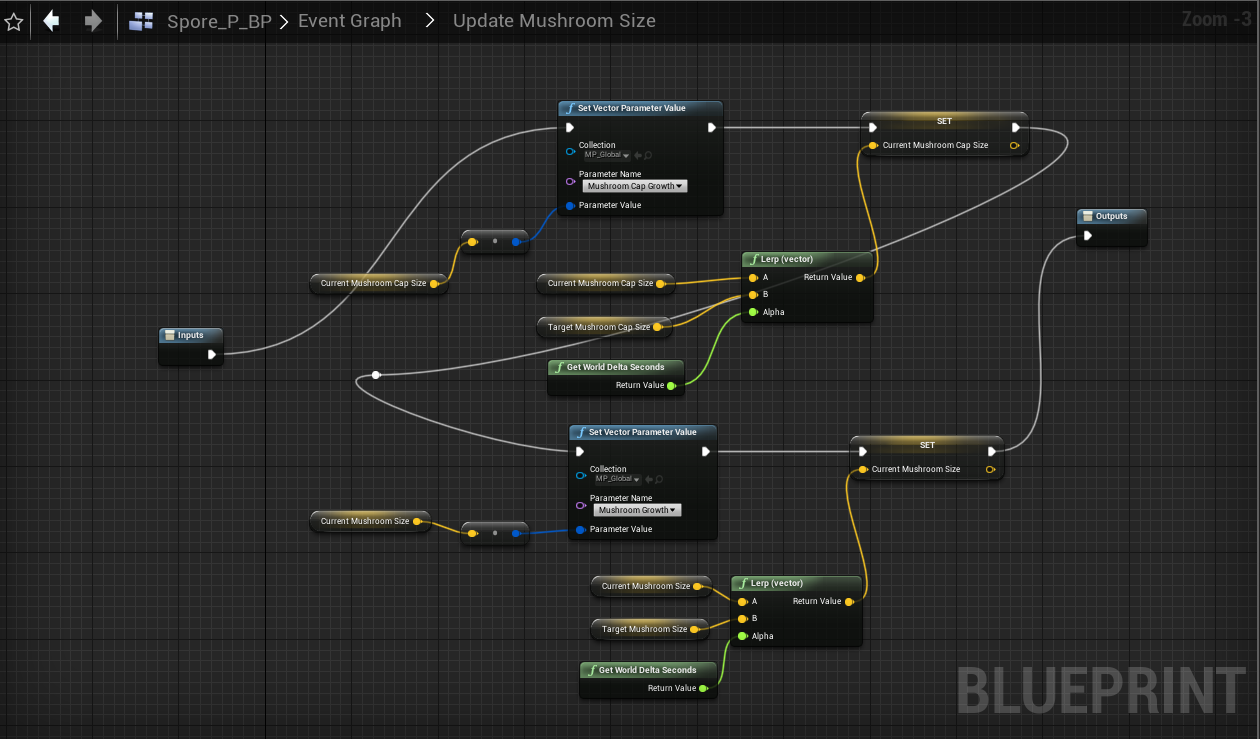
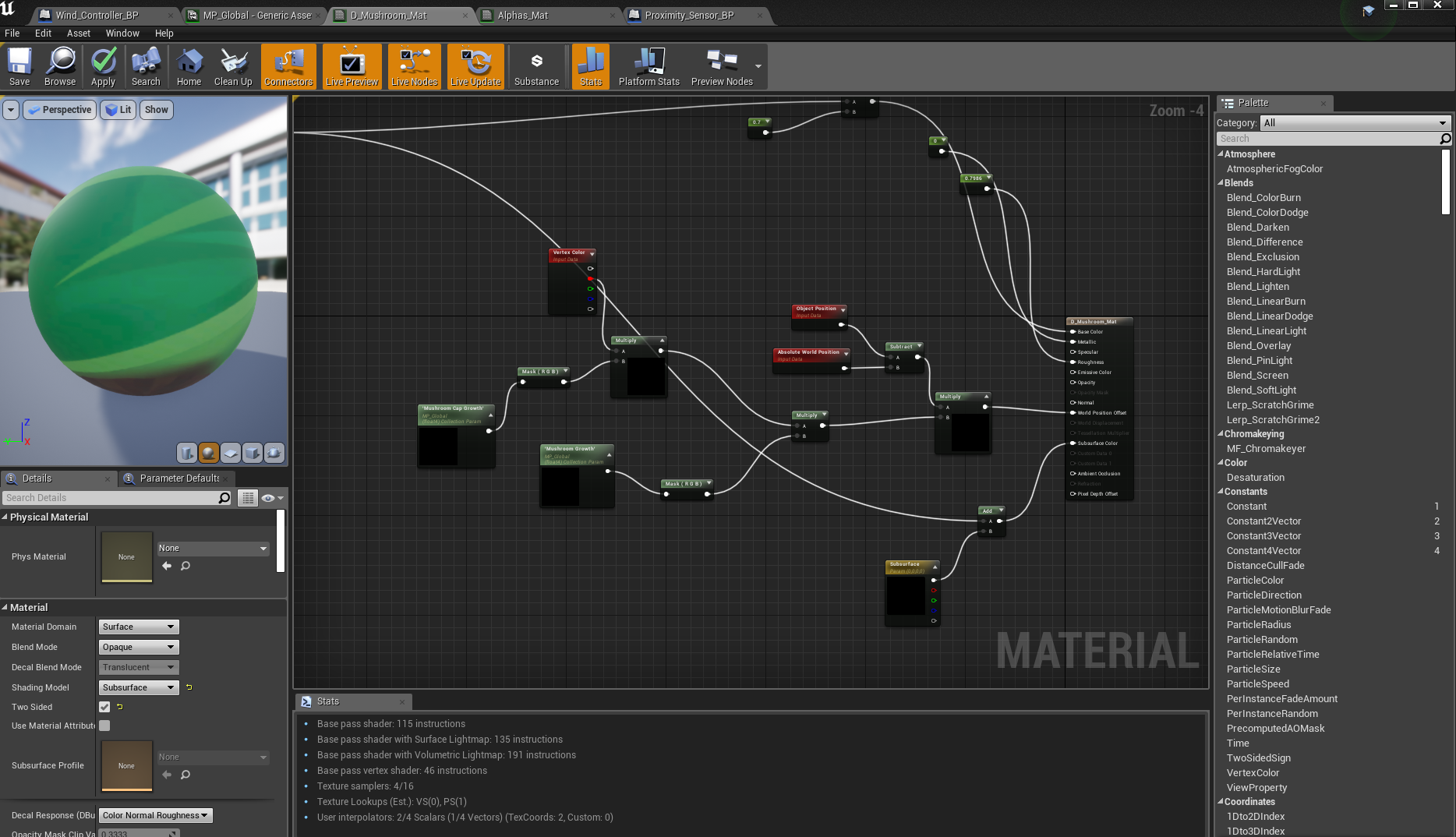
I cleaned up my nodes and replaced anything that was previously controlled by the camera proximity with a collection parameter node to be used in a blueprint:
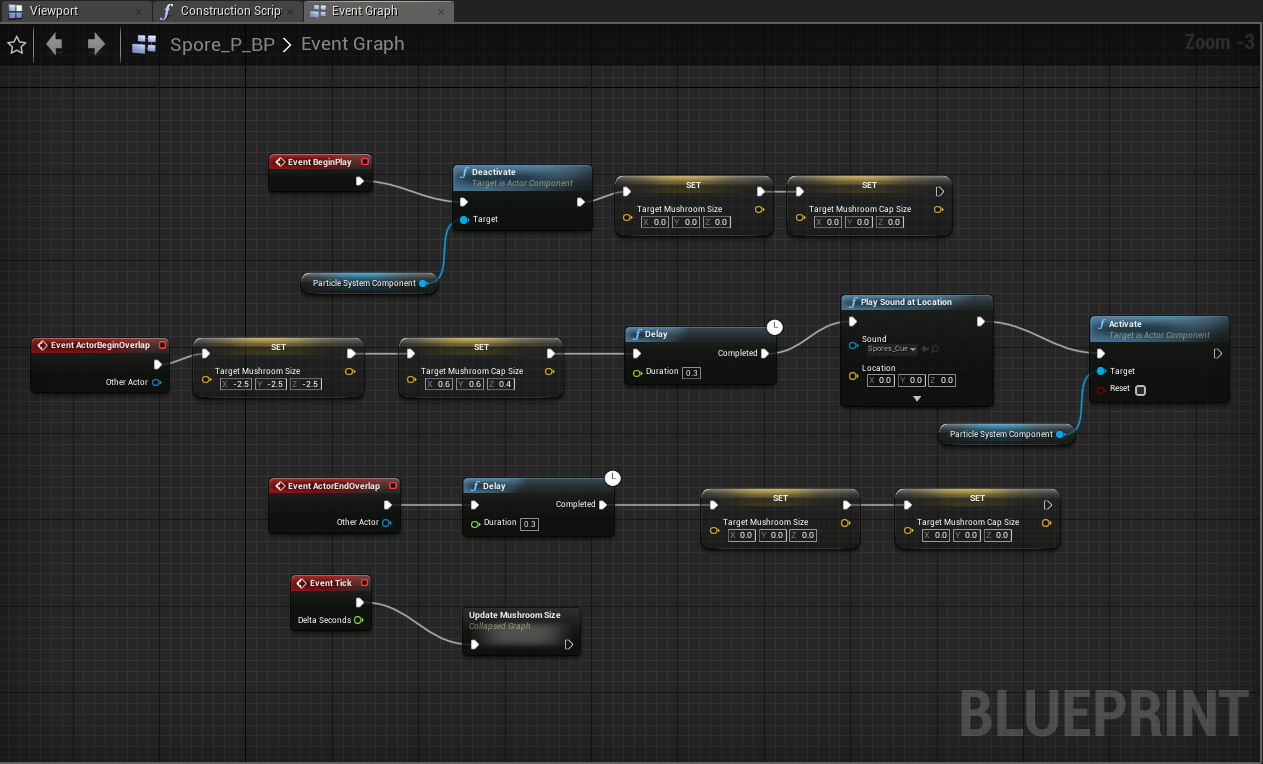
Play Sound at Location added at a later date
I added Vector Variables for the mushroom cap size and the overall mushroom size and used the same method as when I was updating the wind direction, this time affecting the size of the mushrooms, but only on overlap of the particle effect collision from earlier.

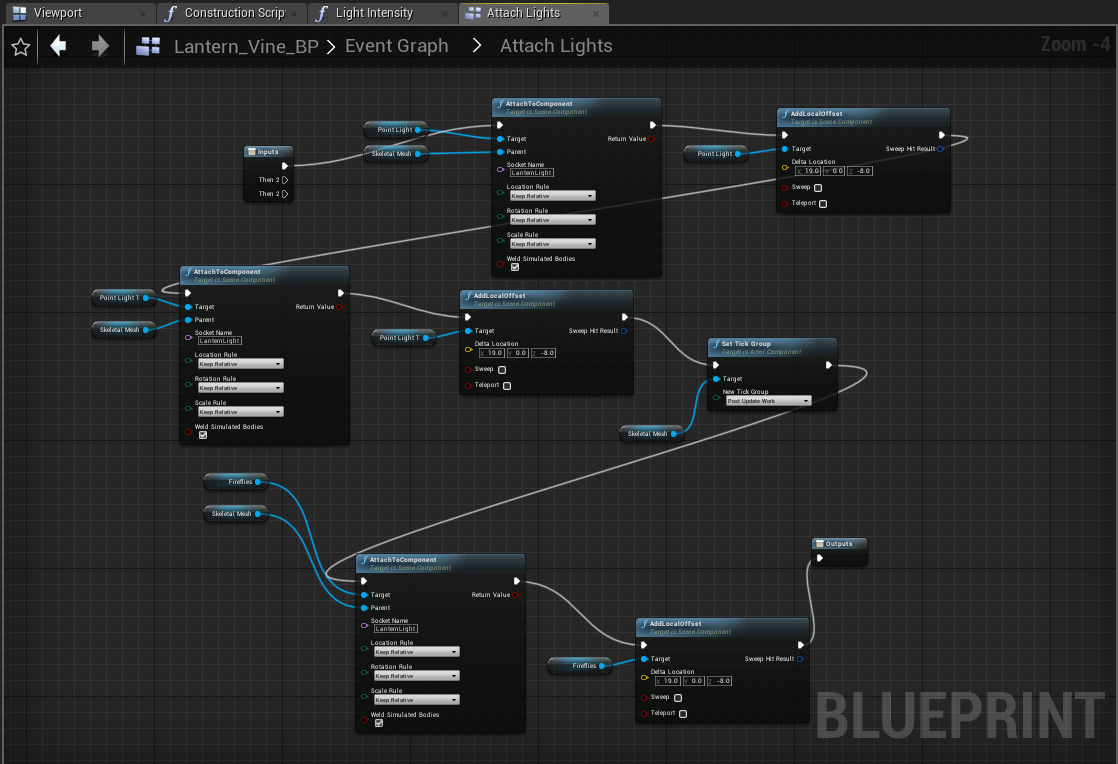
After completing this, I then moved onto completing the earlier physics asset tutorial, this time following it to add a light to my mushroom lanterns:

This is where it got a bit more complicated. The tutorial taught me how to attach a light to a socket in the bone, but not how to change the position of it or how to turn it on or off so I had to do some experimenting. I couldn't use the same method as before, because the light intensity wasn't in my parameter collection and didn't have a material to edit with a vector variable. Instead, I tried to use an event tick that was only enabled when the character overlapped with the collision sphere- it didn't work.
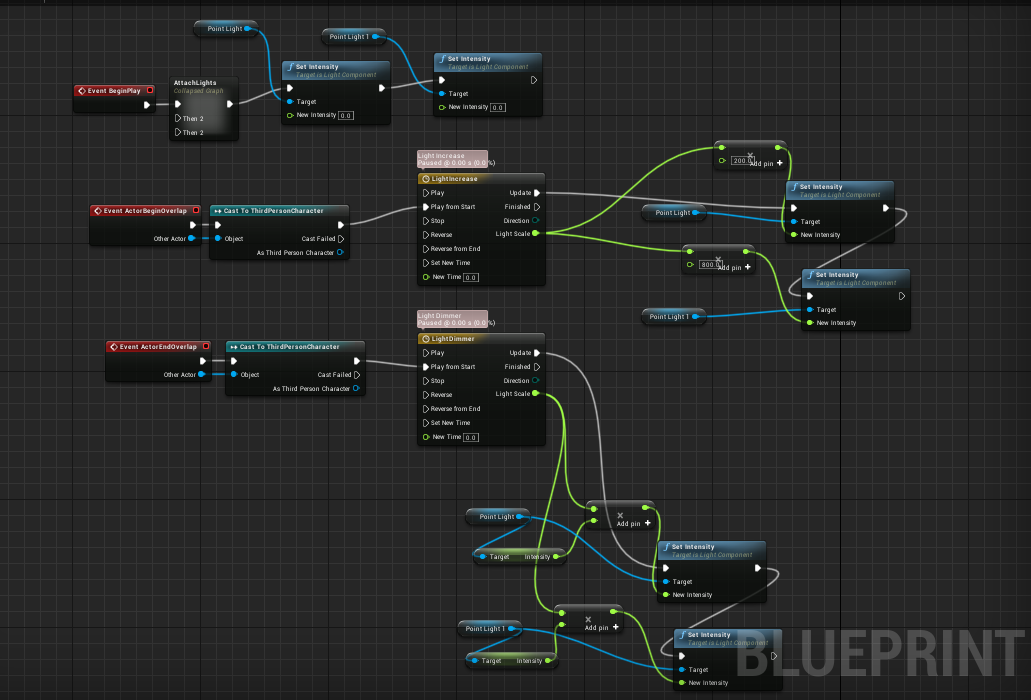
After a few more attempts using different methods, I managed to get it to work using a timeline:
By using a timeline, I could set a number to increase or decrease over a certain period of time, of which I could then times by the float intensity that I actually want the light to end up at, which perfectly slots into the set intensity node. I could then set this to only occur upon actor overlap, which was perfect:


Friday, November 29, 2019

Foliage VFX: Week 2 Thursday

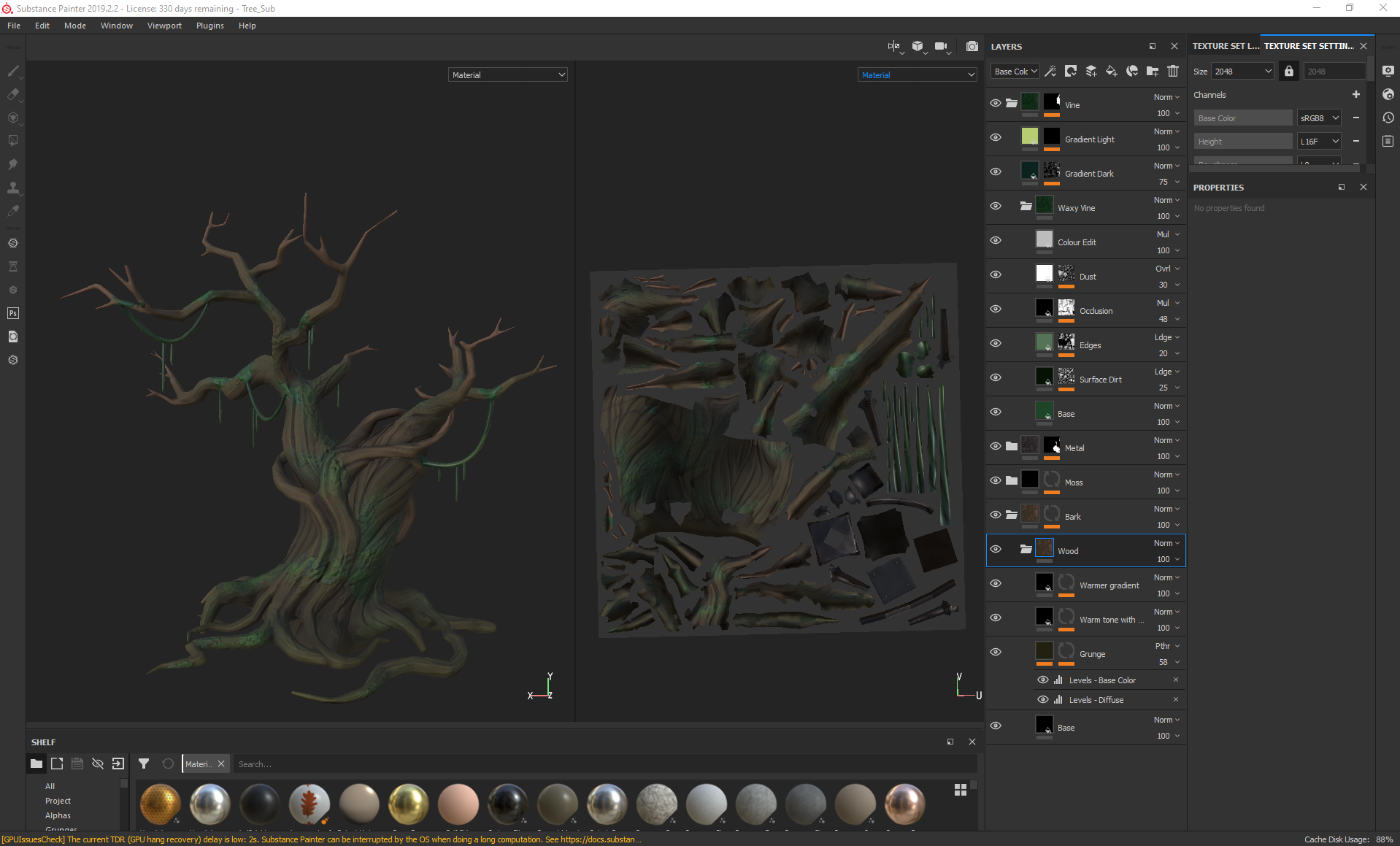
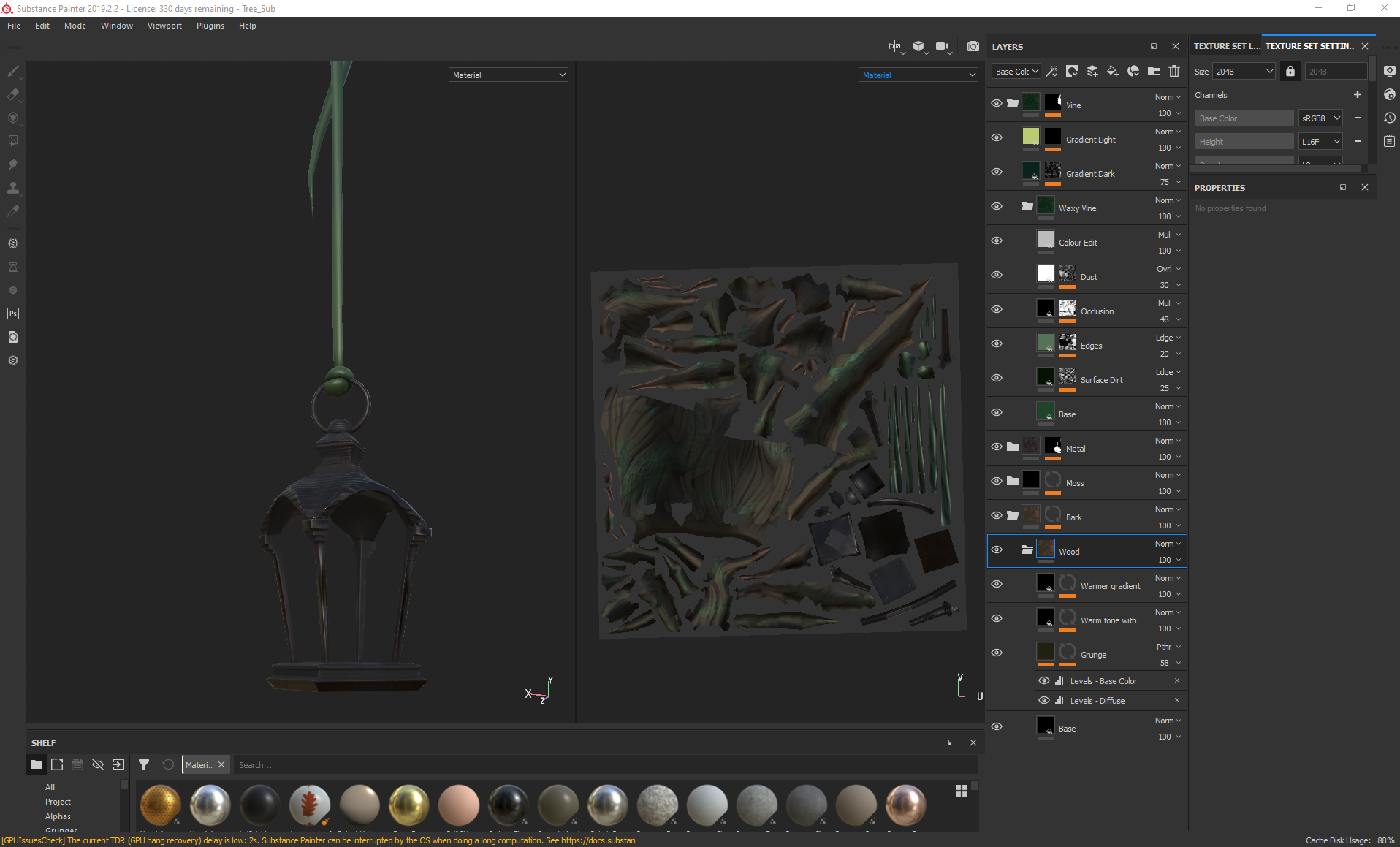
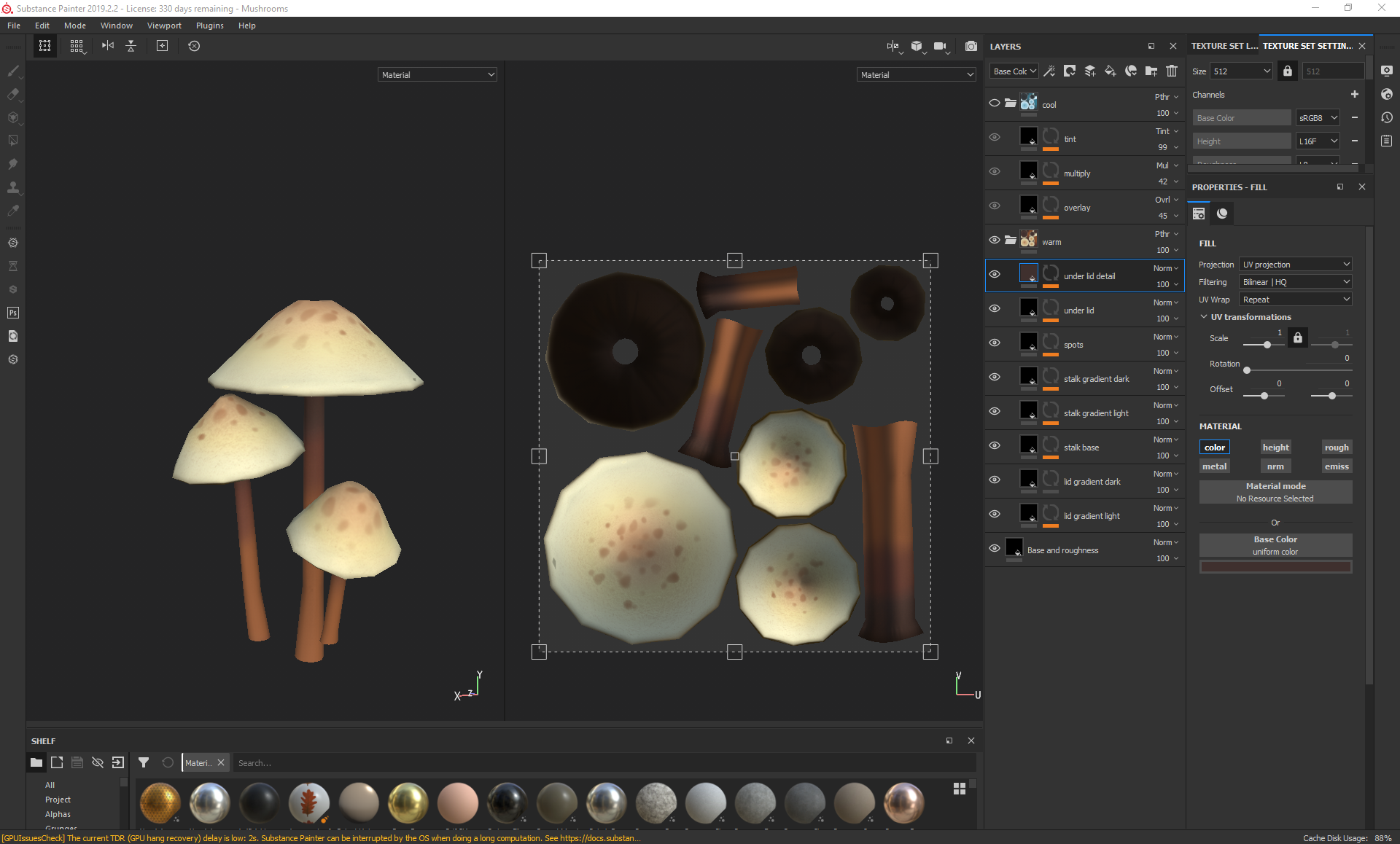
On Thursday I began texturing everything, starting with the plants in photoshop and ending with the tree and lantern in substance painter, trying to maintain a similar style throughout that matched the two concepts I was referencing:

For the tree I started with a green toned base colour, then added grunge through editing the levels to emphasise the cracks. Over this, I added a warmer brown tone using the curvature map with a levels edit as a bitmap mask, so that the green would still be seen in some sharper areas. Over that, I used a mask editor and a soft brush to paint on even brighter and warmer areas to give the tree more life and colour variation, all the while making sure that none of the other layers were interfering too much with the roughness of the bark. Later, I also added a mask editor to add a purple hue to the cracks and ao to add more depth to the tree.
For the moss, I used a combination of the artistic heavy sponge and blur slope to go over the areas where I had added rough moss details in the sculpt, then going over the mask in a few different hues and values to create variety in the moss colour.
With the lantern metal, I started with a base colour with metalness and a little roughness to represent what the base coat would have been like, then added some dirt/dust roughness over the top and some bumps to make the metal look more worn. I also added edge highlights and dirt occlusion for the areas that would naturally collect dust. After this, I added extra height detail using black and white striped patterns using a mixture of planar projection and tri planar projection so that the lines would meet correctly and loop around, ignoring any seams.
The vines were also fairly straightforward, with me focusing on the base colour, slight surface dust/dirt, edge highlights, occlusion and colour gradients.
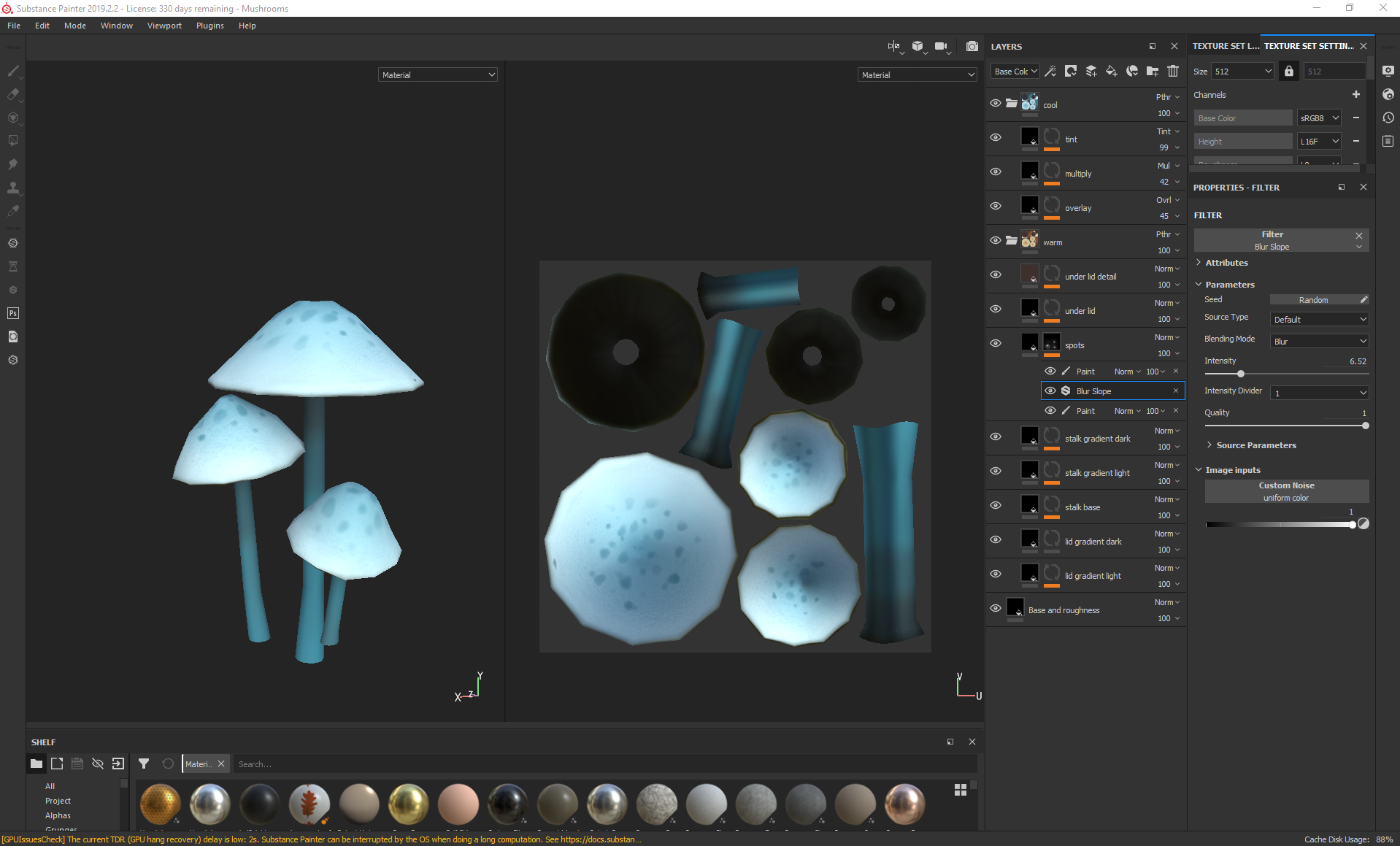
For the mushrooms, I focused on following the level of detail as the rest of the foliage and stuck to painting it in with a soft brush rather than generating anything, although I did add some extra details in the spots, where I used a blur slope to add some tiny specks in the gradient of the lid.
I then created another folder with some colour edits for my later vfx in which the mushrooms would change colour when the character is close and exported all of the substance painter files as targas.
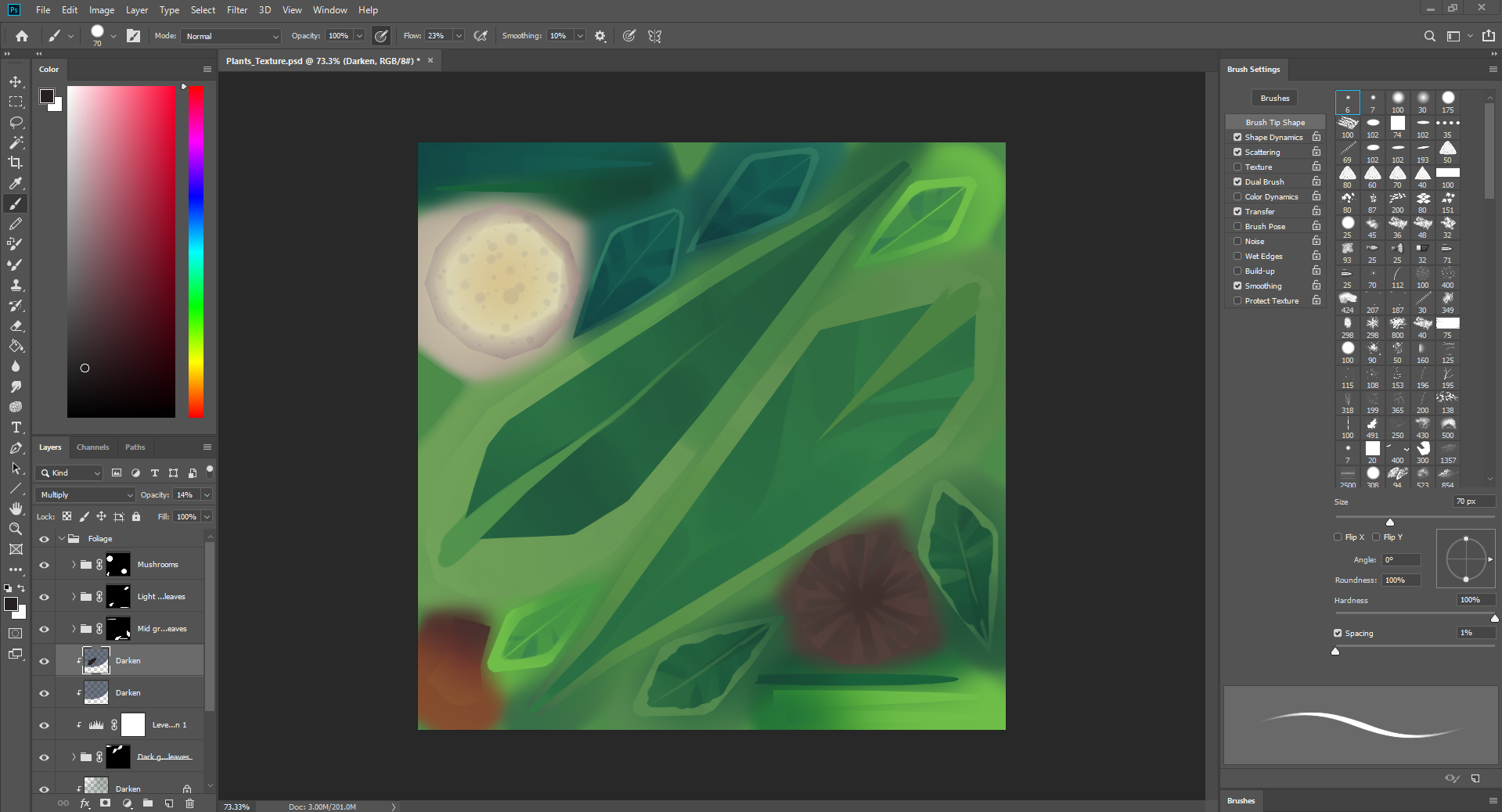
For the plants, to follow the style of the concept, I avoided rendering too much detail into the plants and instead focused on lasso tooling in bold colour changes for the edges of the plants and the stalks, with subtle gradients throughout. for this, I mostly used a basic hard round brush with varying levels of flow and pen pressure and a soft brush for gradients.
Friday, November 22, 2019

Foliage VFX: Week 1 Thursday

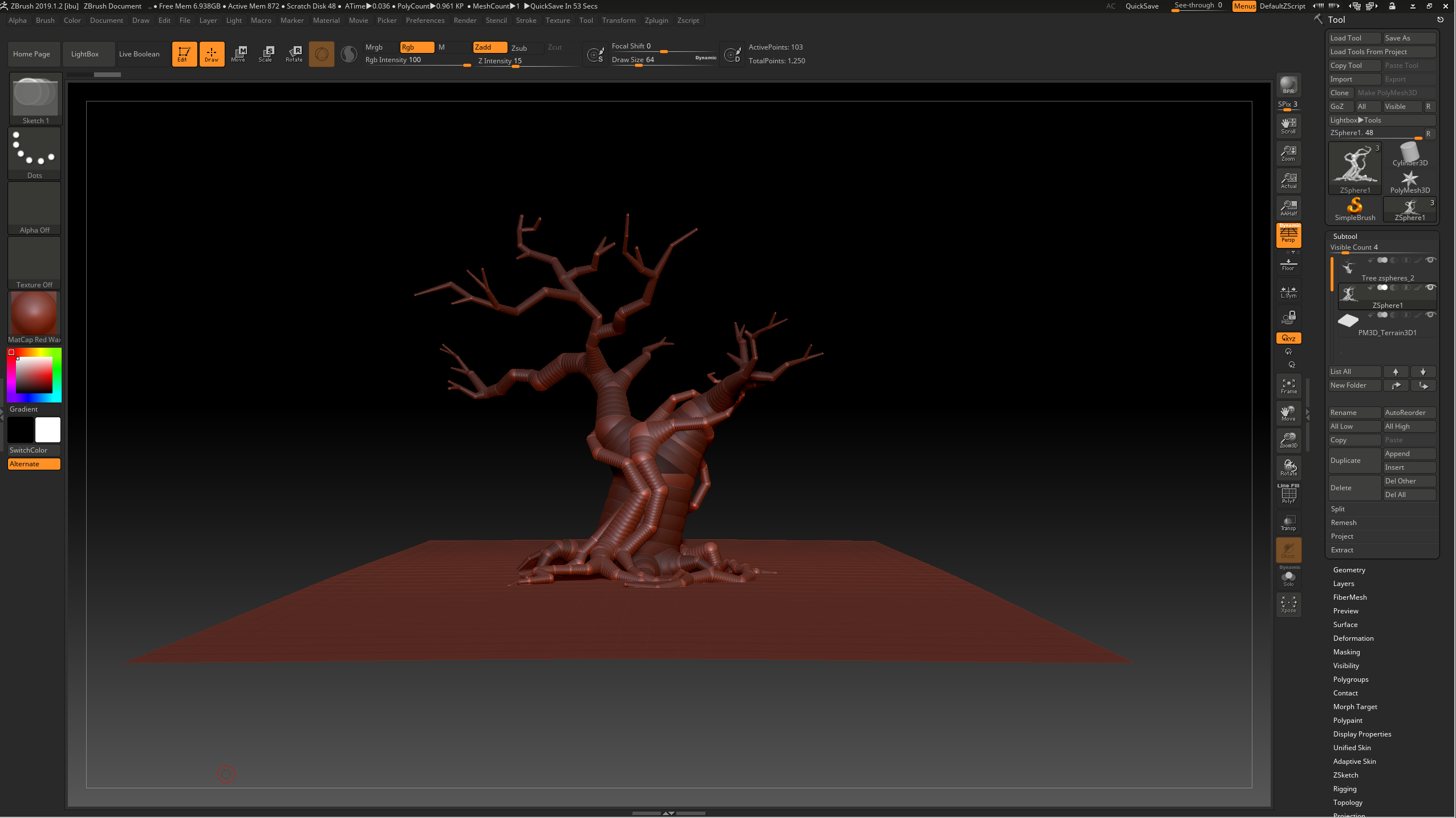
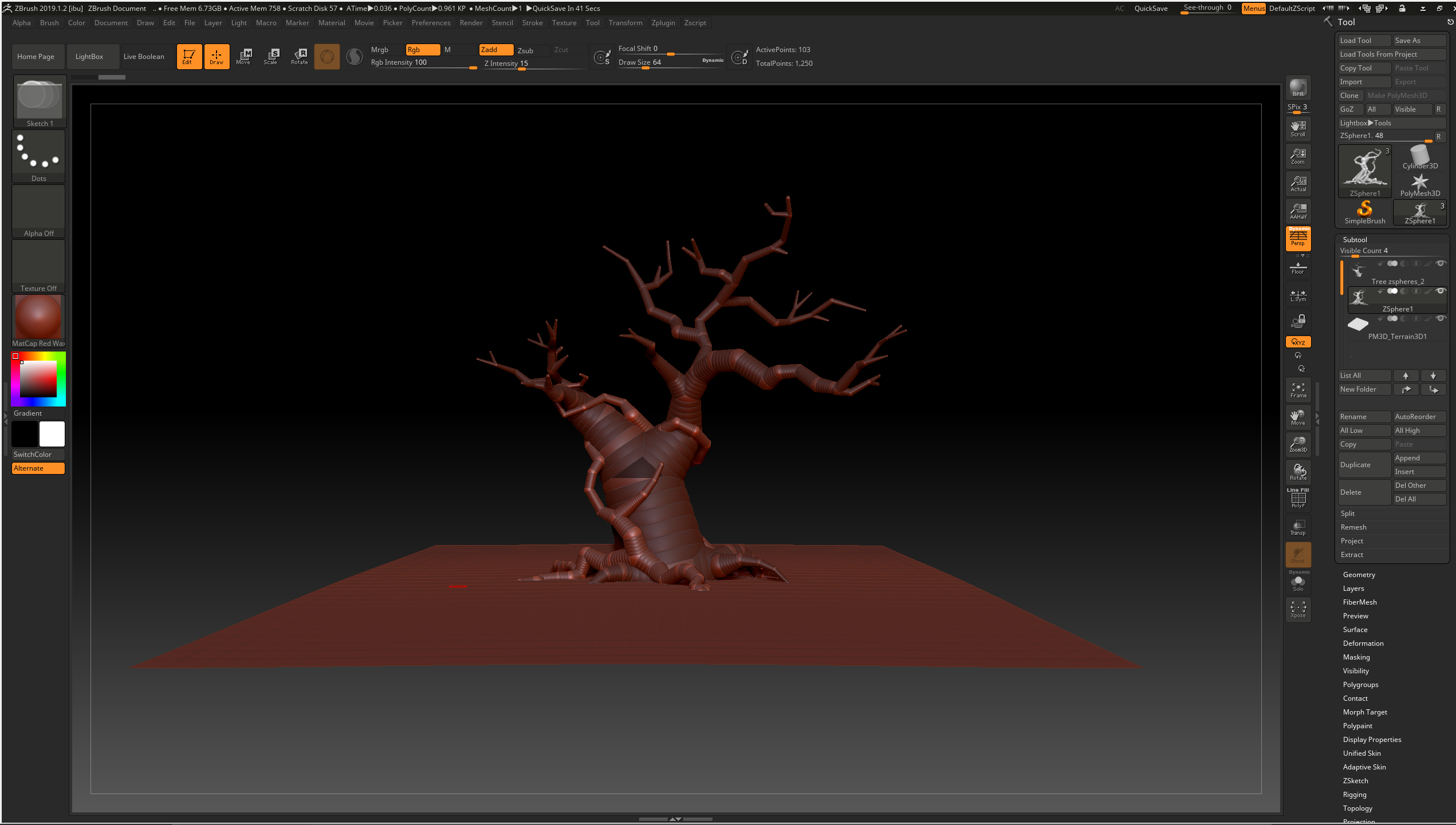
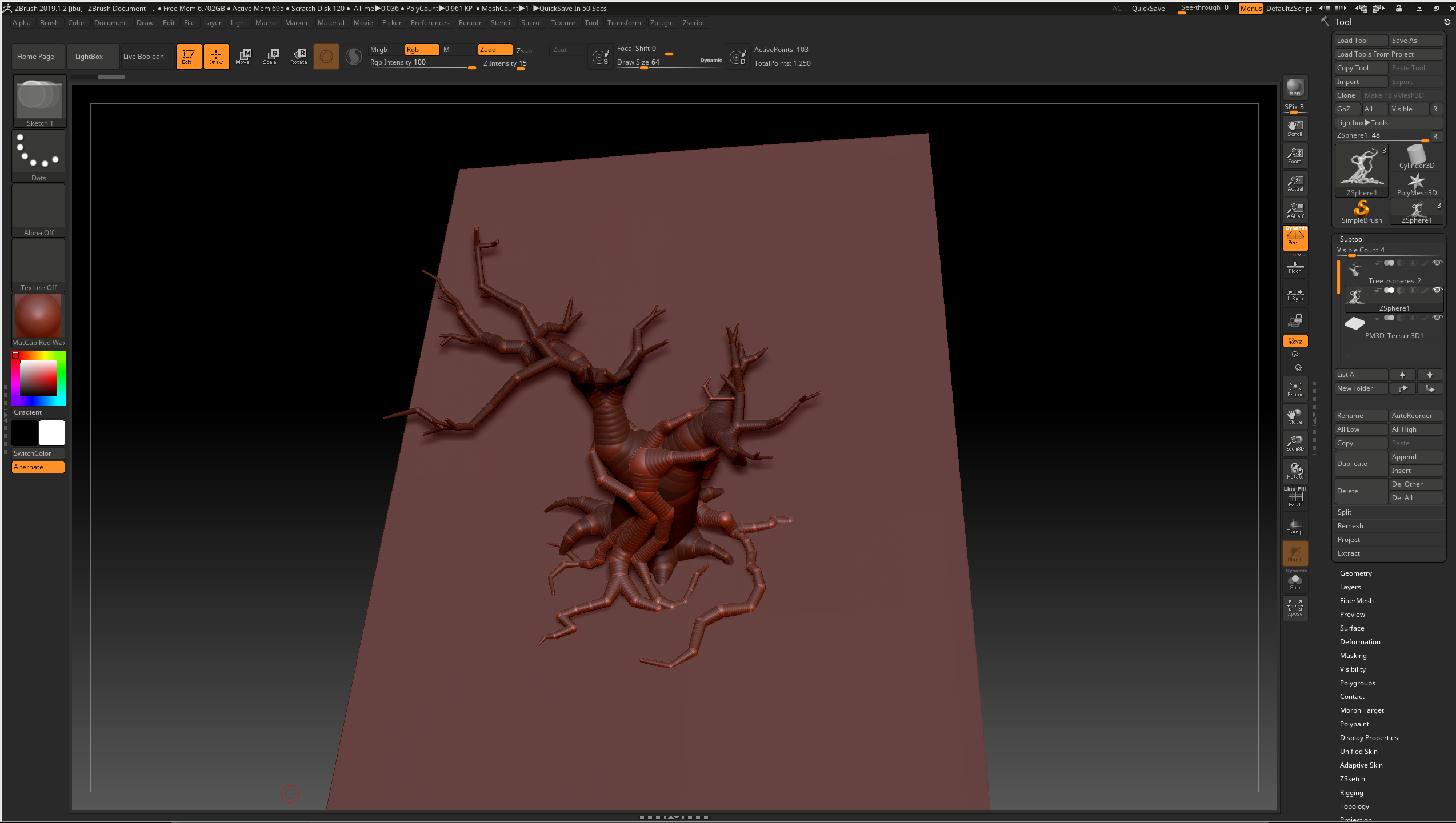
On Thursday, I started working on the tree sculpt. I specifically wanted this part to be sculpted because it was going to be the centrepiece of the plinth and is obviously more shapely than the rest of the foliage. Combining both reference images together, I focused on using one of the references for the roots, as I had to consider how the plants would fit around the tree to match the concept, and the other for the rest of the tree. I decided to use zspheres as they allowed for flexible, snake like branches, keeping to 2 subtools so that I could separate areas and make the sculpting process easier to keep clean and neat later on:

During this process I modelled the tree over the top of the concept images to make sure the branches aligned, then later made adjustments to ensure that the tree wouldn't look flat, as I had the issue of only having one view to work from in the concept image. I had to line up the tree with the concept image several times and settle with some slight changes to ensure that the tree would look good from more than one angle.

Thursday, November 14, 2019

Helmeted Character: Week 4 Thursday

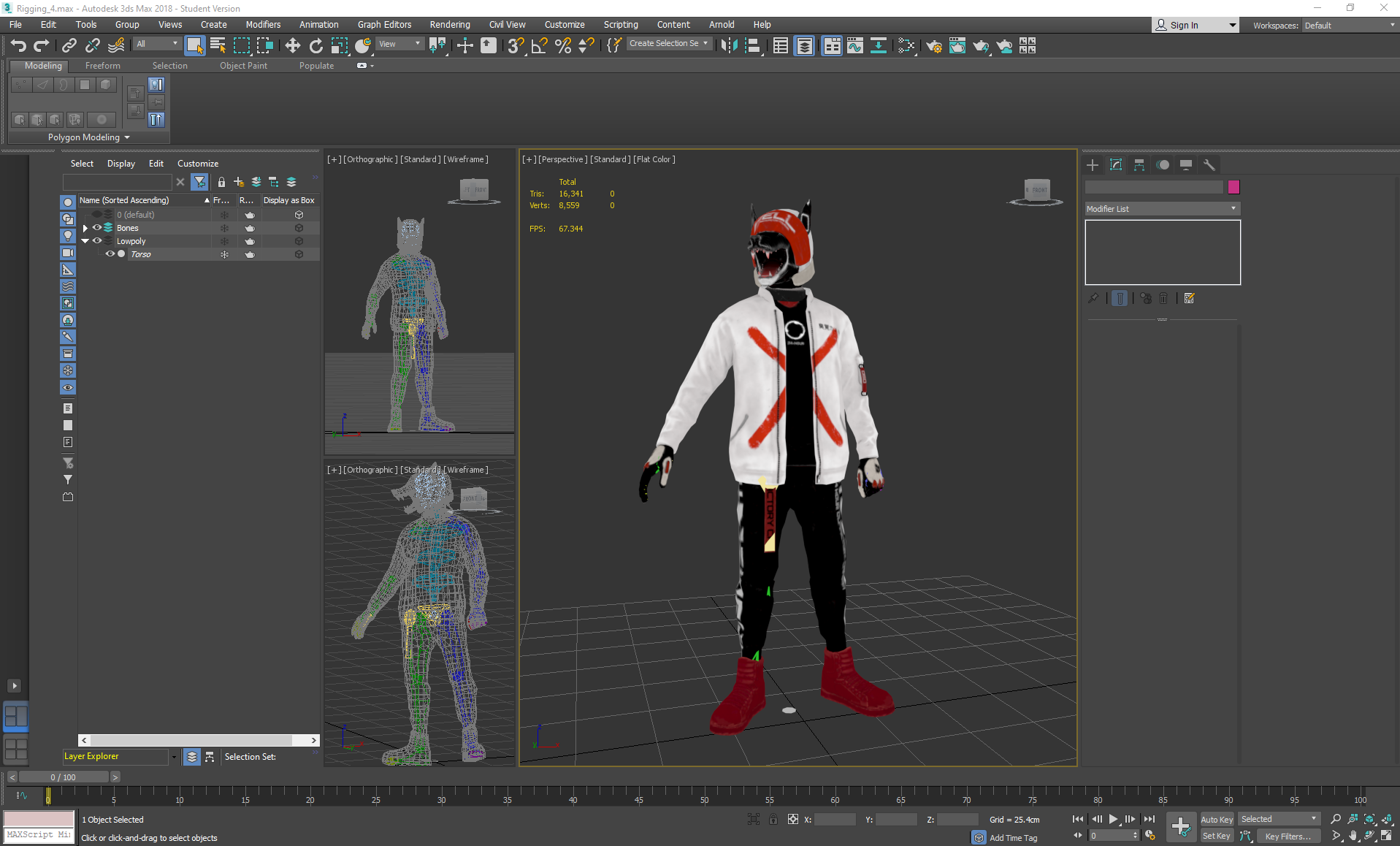
On Thursday I exported the textures as Normal maps, OcclusionRoughnessMetallic maps and Emission maps, then started on rigging the character. I had received crit from Teo that the legs seemed a little short, and luckily hadn't connected the shoes topology to the joggers, so I moved the shoes downwards a little to create longer shins, then moved some of the knee topology downwards (making sure to be on preserve UVs to avoid distorting the texture).

After this, I began rigging by freezing the torso and adding a biped skeleton to a bones folder, positioning the limbs and then mirroring them to save time. I used a tail bone for the strap on the joggers as it would move along with the body, as I discovered that ponytail bones move along with the head.

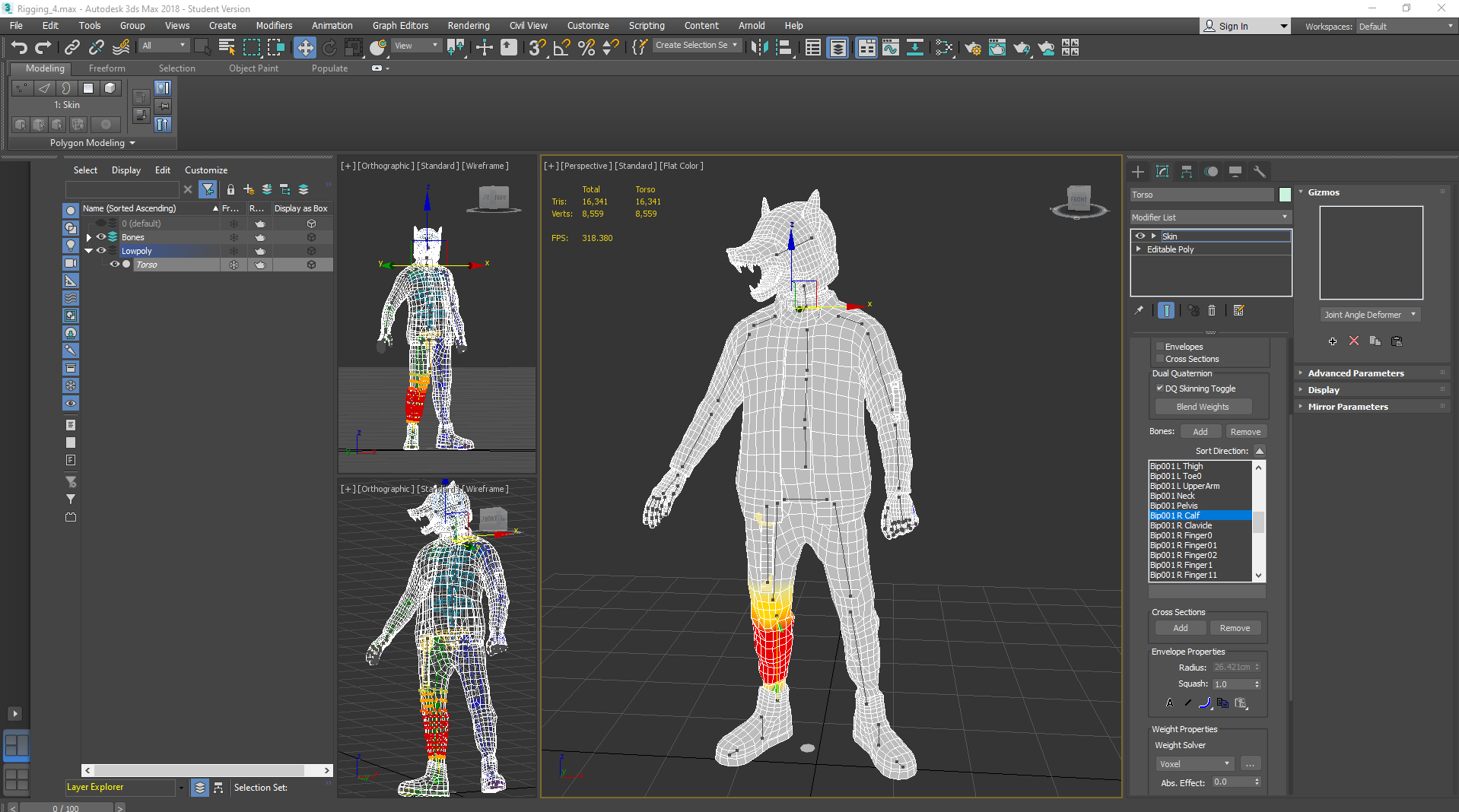
I applied a skin modifier to the mesh and started assigning weights systematically through the list of added bones, focusing only on one side again so that I could mirror it and then edit any errors.

After this, I left figure mode and went into animation more to pose the character somewhat based on the concept's pose- with a closed fist, wide stance and head turned to the side. I planted the feet so that they would always be on the ground and set keys whenever I moved a limb into place until I was happy with the pose, then checked to see if there were any areas in the weighting that I had missed and corrected them:

Thursday, November 7, 2019

Helmeted Character Week 3: Thursday

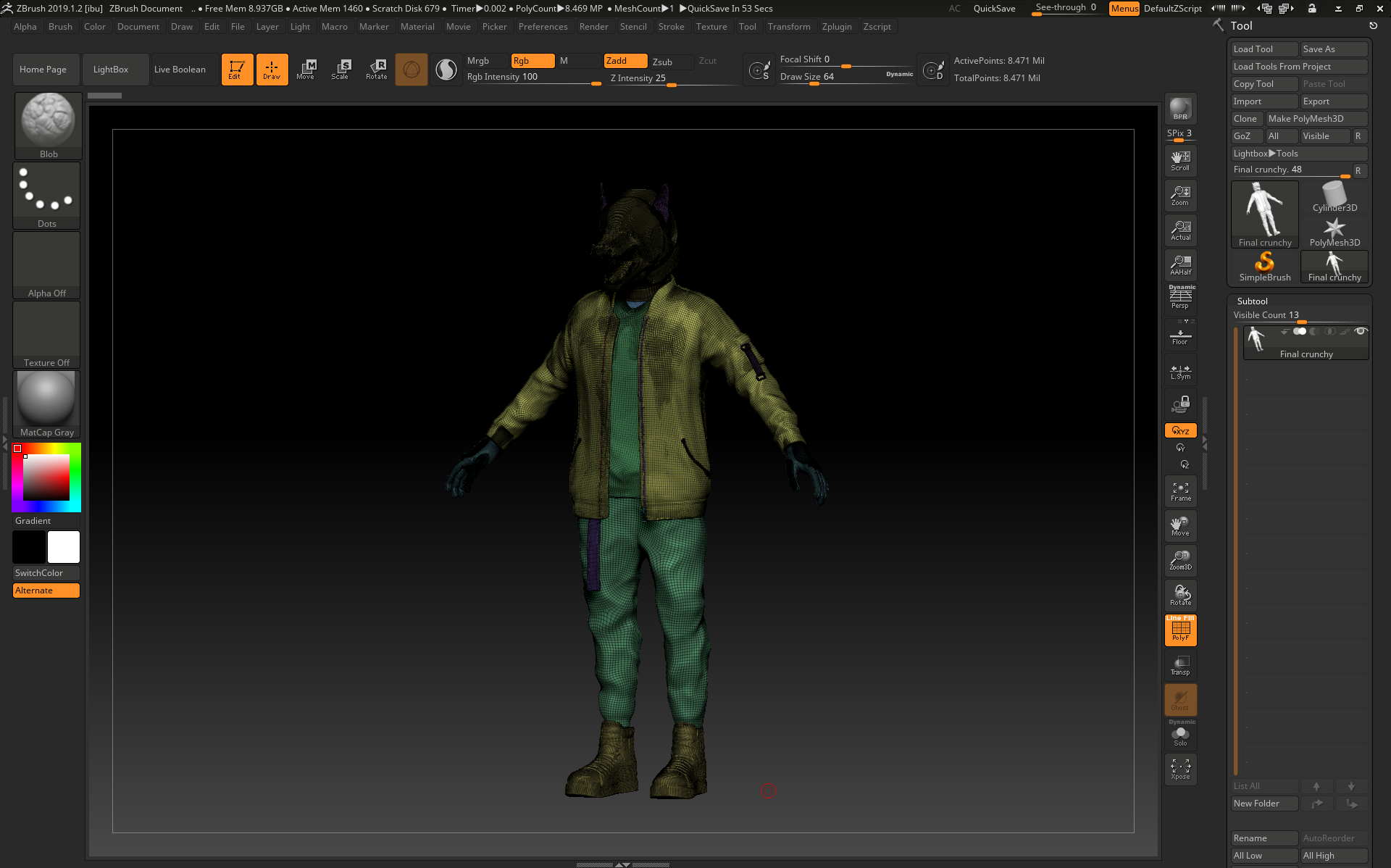
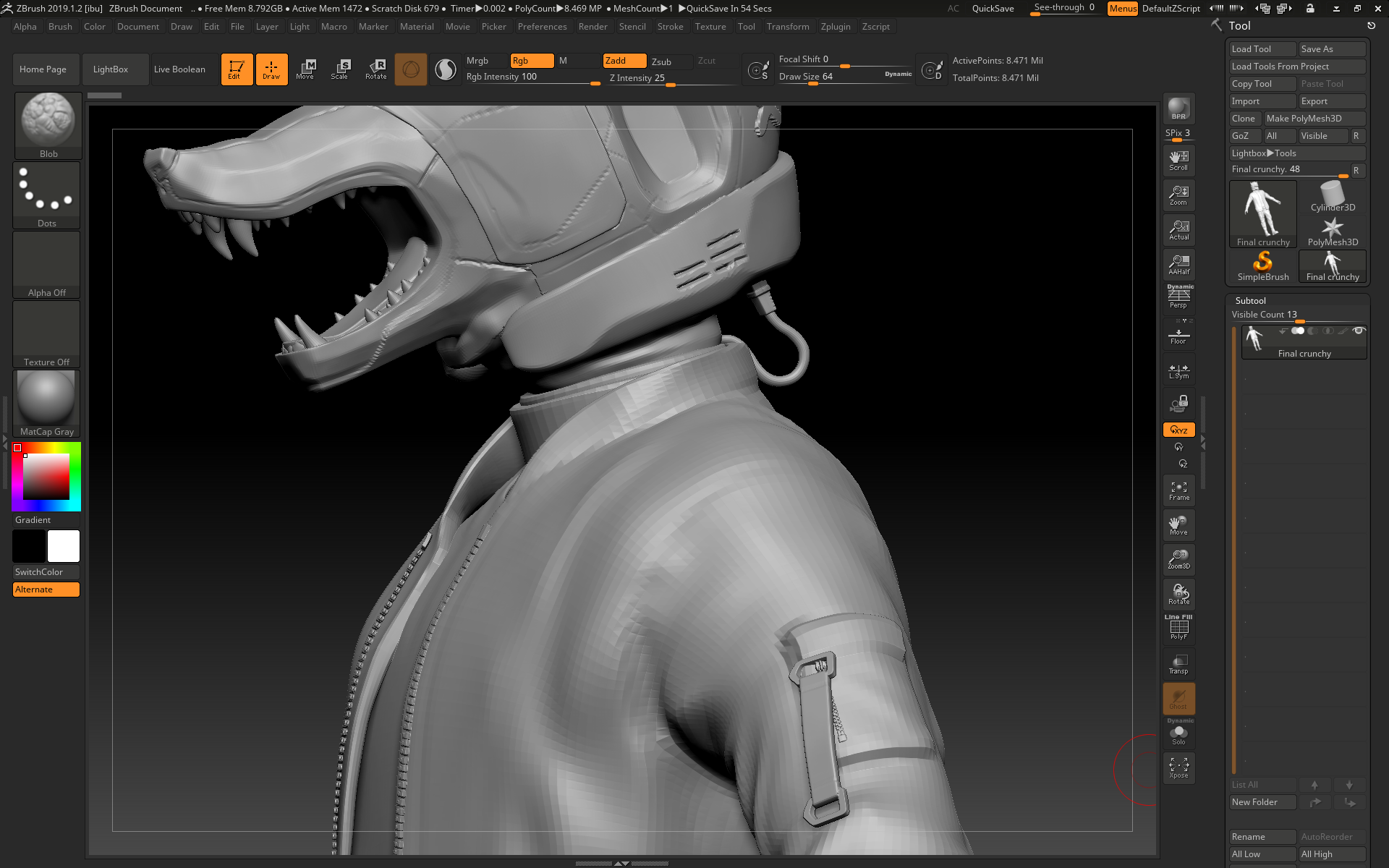
On Thursday I decimated everything to be a low enough polycount to be exported back into 3ds max for retopping. I did this by duplicating everything, then using dynamesh and zremesher to create a lower poly version of each item, then I used project to get as much detail onto the lower poly versions as possible before using decimation master and decimate to crunch down the polycount even further:
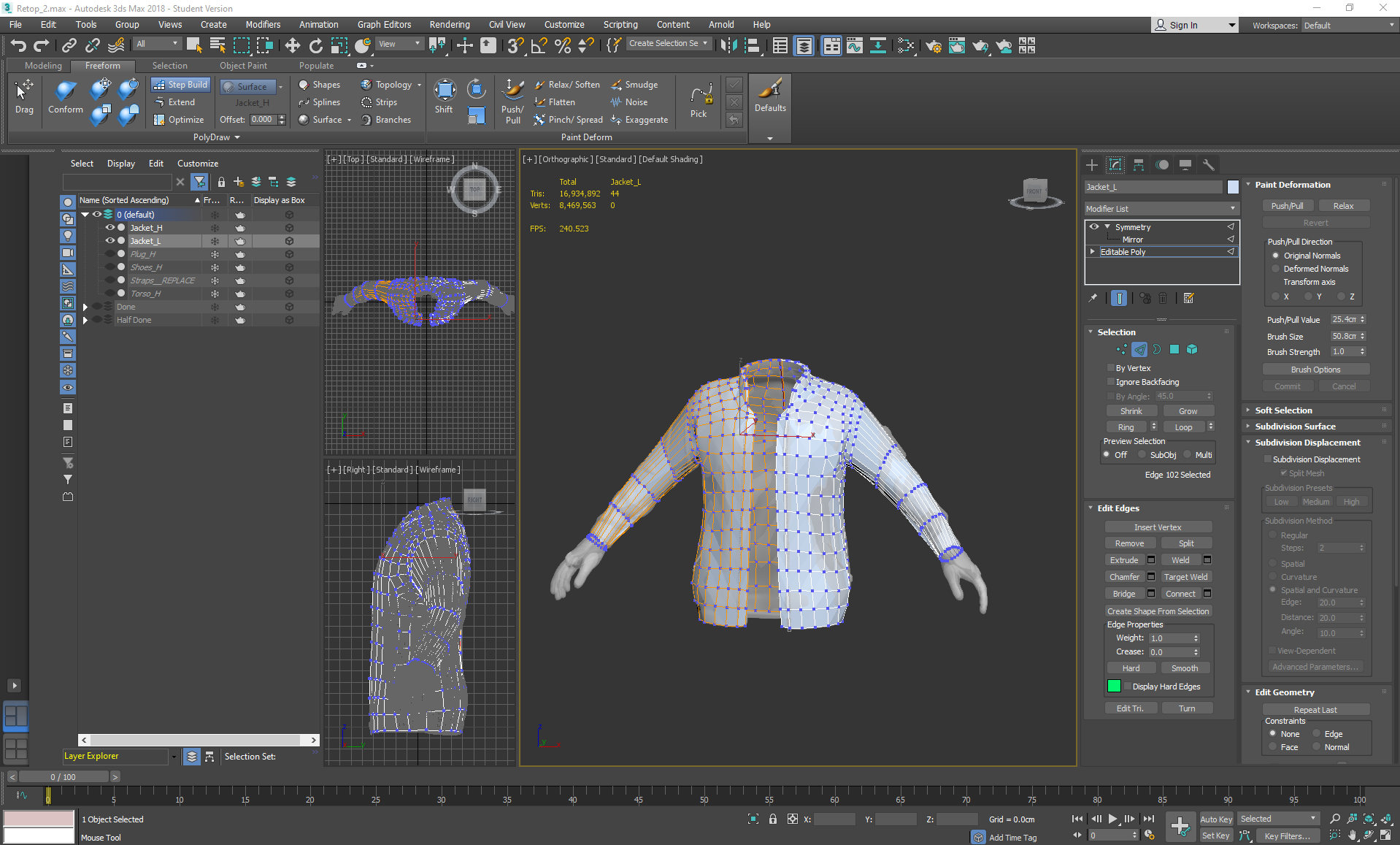
Once it was imported into 3ds max, I started the retopping process:
To achieve this, I used Step Build after picking the highpoly as a surface to draw on. While retopping I would switch between drawing the squares in using the Freeform tab, then adjusting them using Set Flow in the Modeling tab so that they were evenly spaced.

Thursday, October 31, 2019

Helmeted Character: Week 2 Thursday

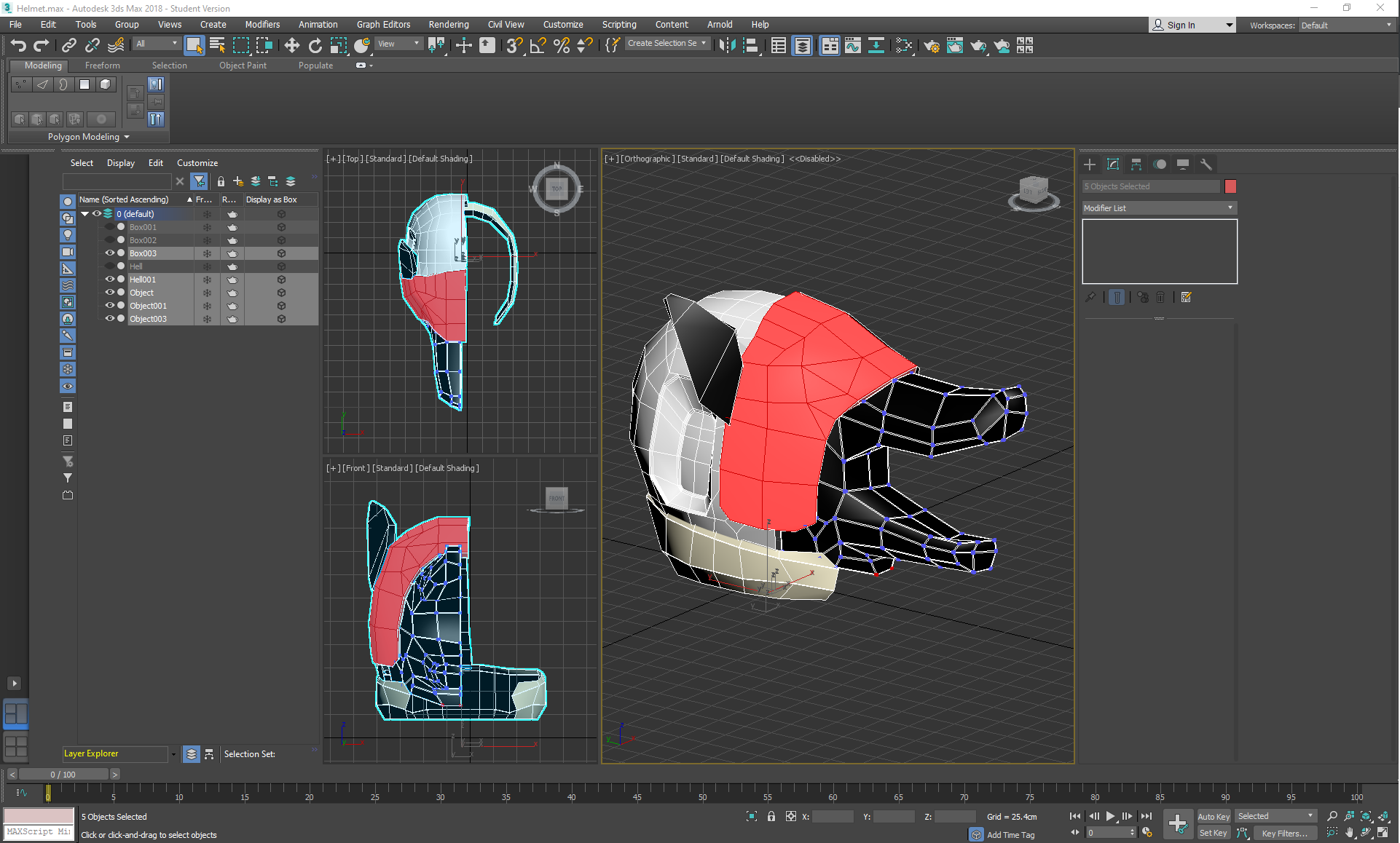
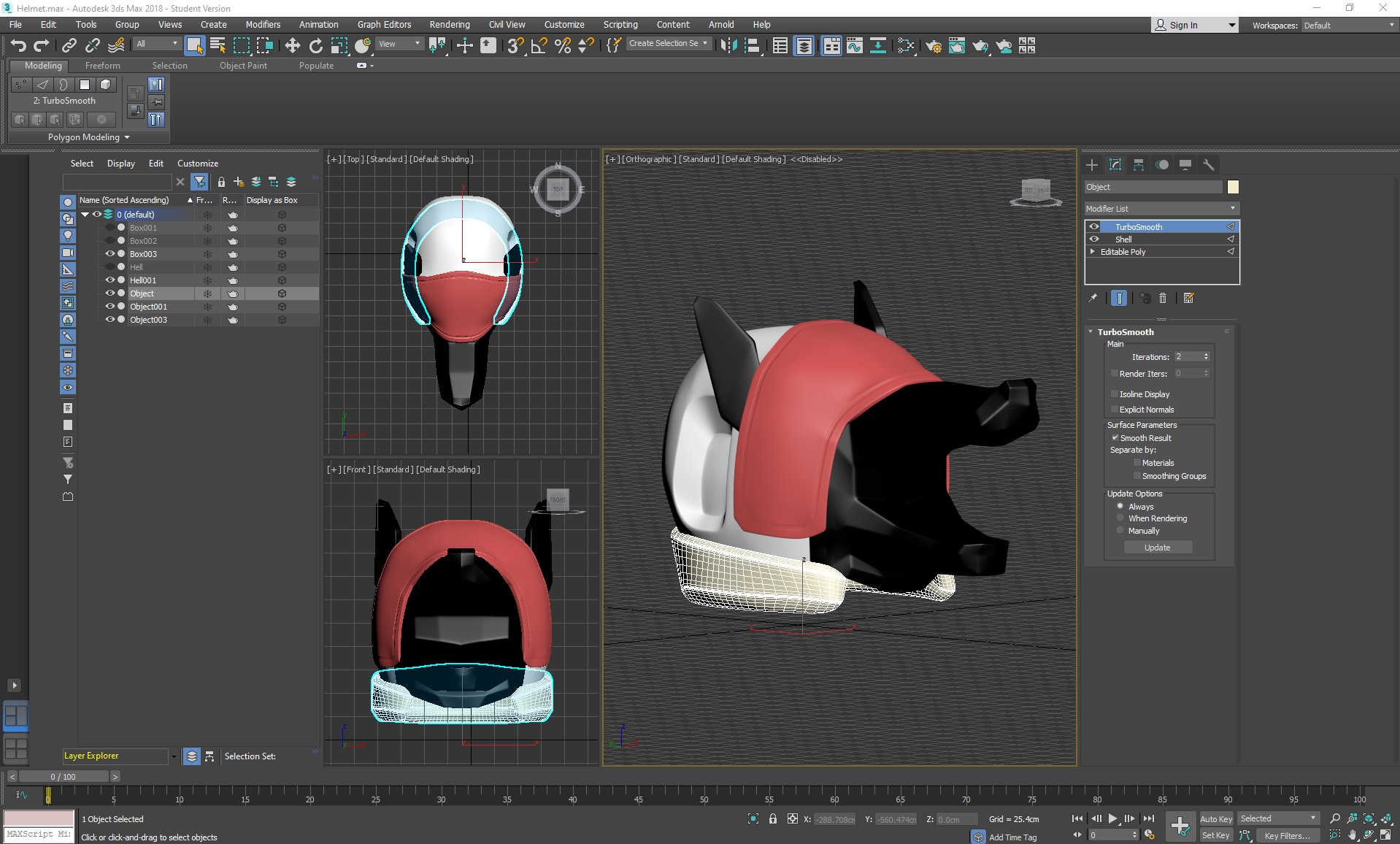
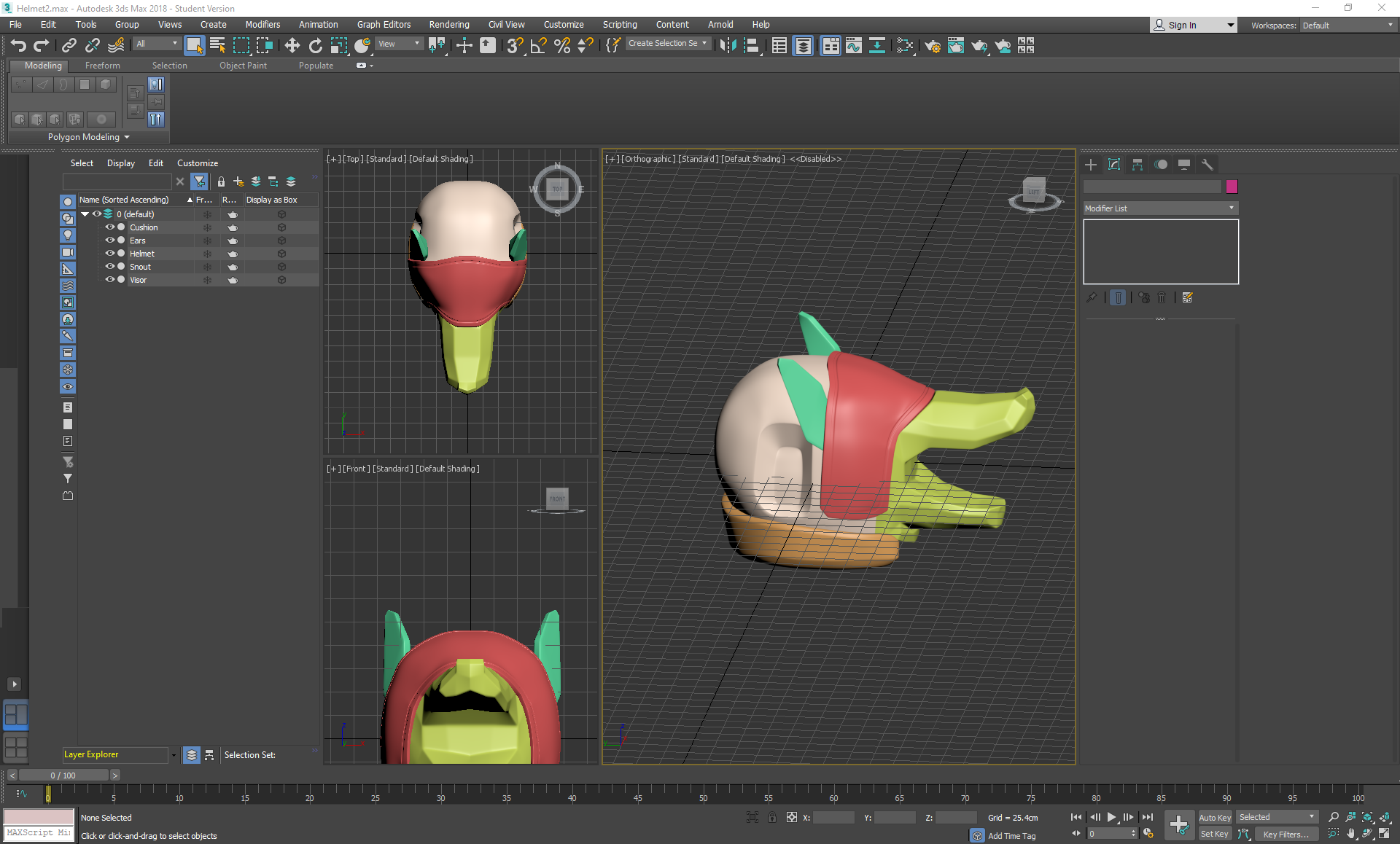
On Thursday I started working on the Helmet in 3ds max, making a turbosmoothed blockout before exporting it into zbrush to sculpt further:


I box modelled the majority of the helmet by spherifying a cube, using inset and extruding out areas like the snout, visor, and concave areas. I strip modelled out the cushioned area, detached it and then applied a shell modifier to add thickness. I then applied symmetry and turbosmooth; strategically placing swiftloops and chamfers in areas that needed sharper edges. Finally, I collapsed everything, deleted any excess backup cloned versions and exported each of the parts in a bundled .obj file so that I could work on them separately as subtools in zbrush.


Thursday, October 24, 2019

Helmeted Character: Week 1 Thursday

On thursday I went back into zbrush and extracted the pants. I decided to use reference with a more shiny material so that it would be easier to identify where the folds are:

I then noticed that the folds were too extreme, so I smoothed, dam standarded and pinched areas until I had some well defined folds that weren't too sharp as a good middleground between the reference image and the concept.


Thursday, October 17, 2019

Water VFX: Week 3 Thursday

On Thursday I imported the normal map .psd and lowpoly .obj from marmoset into substance painter and began texturing. Because I wanted a stylised effect, I hand painted the majority of the model using both the 2D UV view and the 3D viewport, making sure to pay attention to the PBR aspects of each layer. I also used some smart masks and created my own masks using the curvature map and levels for edge highlights and cavity lowlights.
I added texture information where the water of the VFX would be touching the metal and wood, making wet areas darker and more reflective in areas where water would likely to be, like the base of the pump and inside the bucket.

Once this was completed, I started modelling a plinth for it to be displayed on. I used all of the techniques I had used for the previous assets to create a quick makeshift plinth with subtle details sculpted in zbrush:

Thursday, October 3, 2019

Water VFX brief: Week 1 Thursday

After Wednesday's blunder, I realised that any more time spent on the water shader itself could waste time, so I set to work on the next thing on my list: particle effects.

I wanted to make the water more dynamic before anything else, so I decided to work on a ripple effect for floating items which could also be recycled for the stream of water later down the line.

I ended up trying out multiple guides to create the ripple effect, testing out each one and then using the one that I liked the best- both in aesthetics and usefulness later down the line. I also tried to exclusively use textures generated from the nodes themselves in order to increase my knowledge of the software.

Attempt 1:
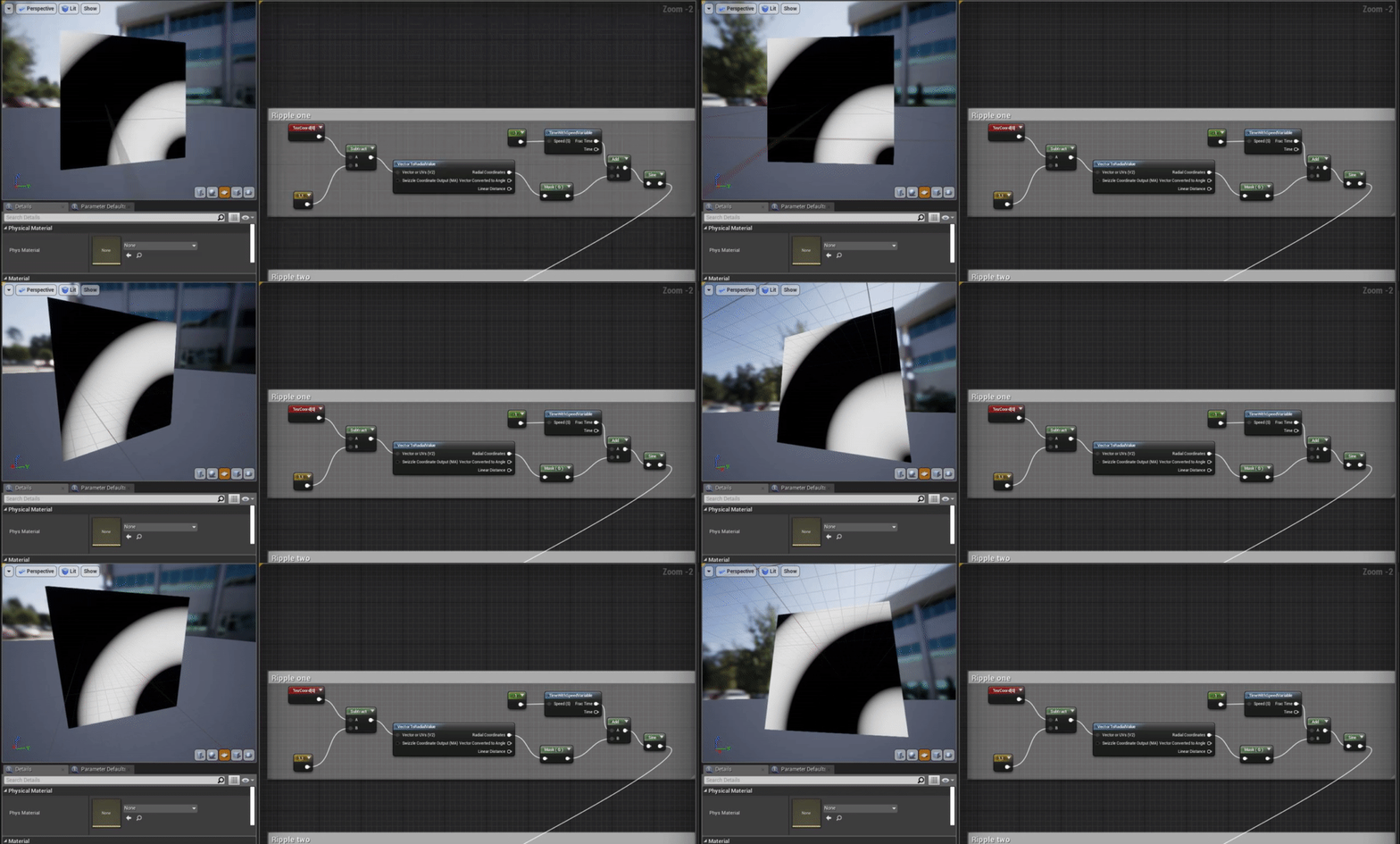
https://answers.unrealengine.com/storage/temp/75343-water_mat.png

I gave up on this effect as it wasn't central, nor was it faded, but I kept it in case I wanted to fade and tweak it myself later and use it for a waterfall ripple effect.
Attempt 2:
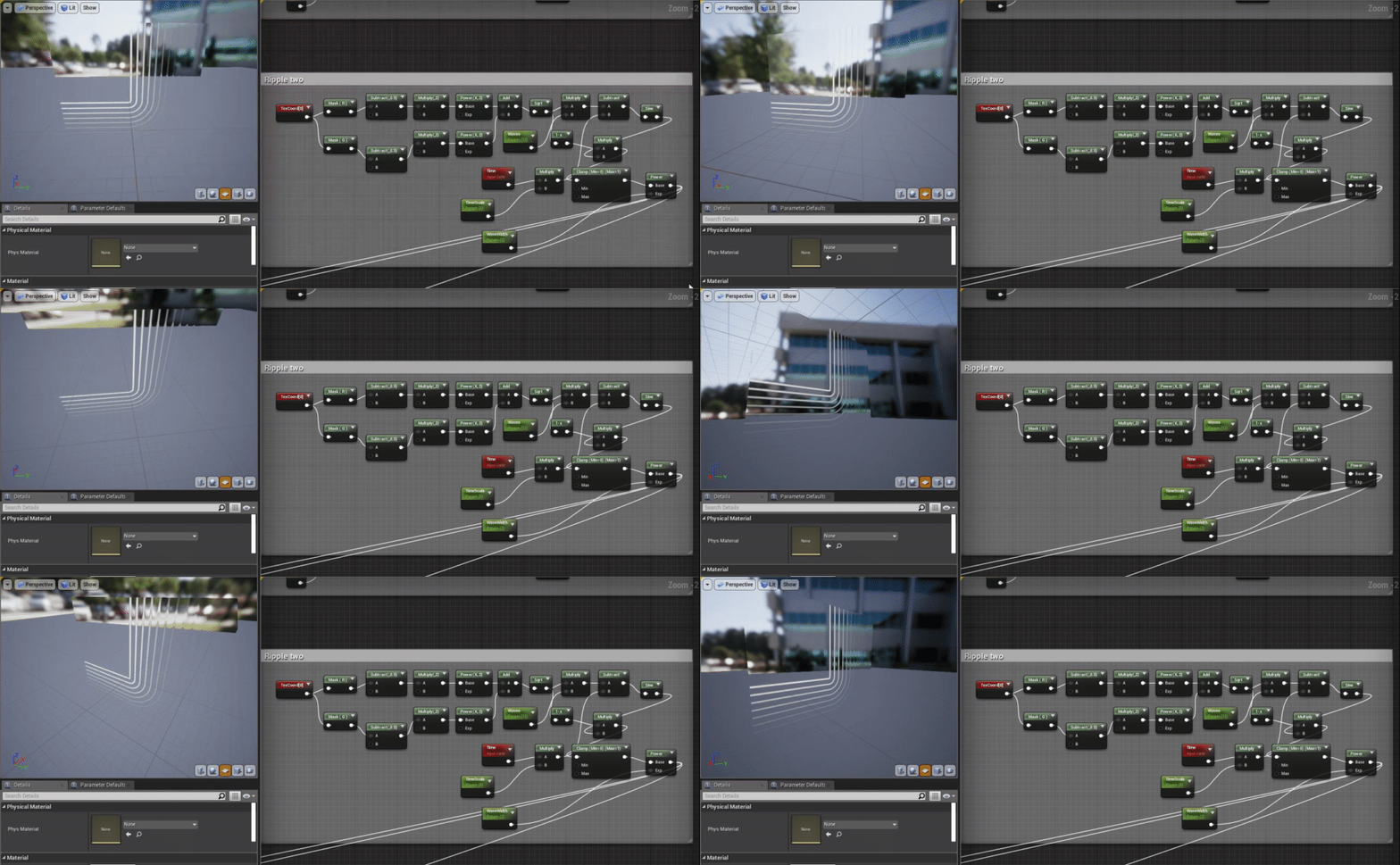
https://forums.unrealengine.com/community/community-content-tools-and-tutorials/12434-ripple-soundwave-material-no-textures-needed
I scrapped this attempt as the nodes were incredibly difficult to read and the end result looked nothing like the example image, making it difficult to figure out where I went wrong, as I had no correct example to refer to and learn from.


Attempt 3:
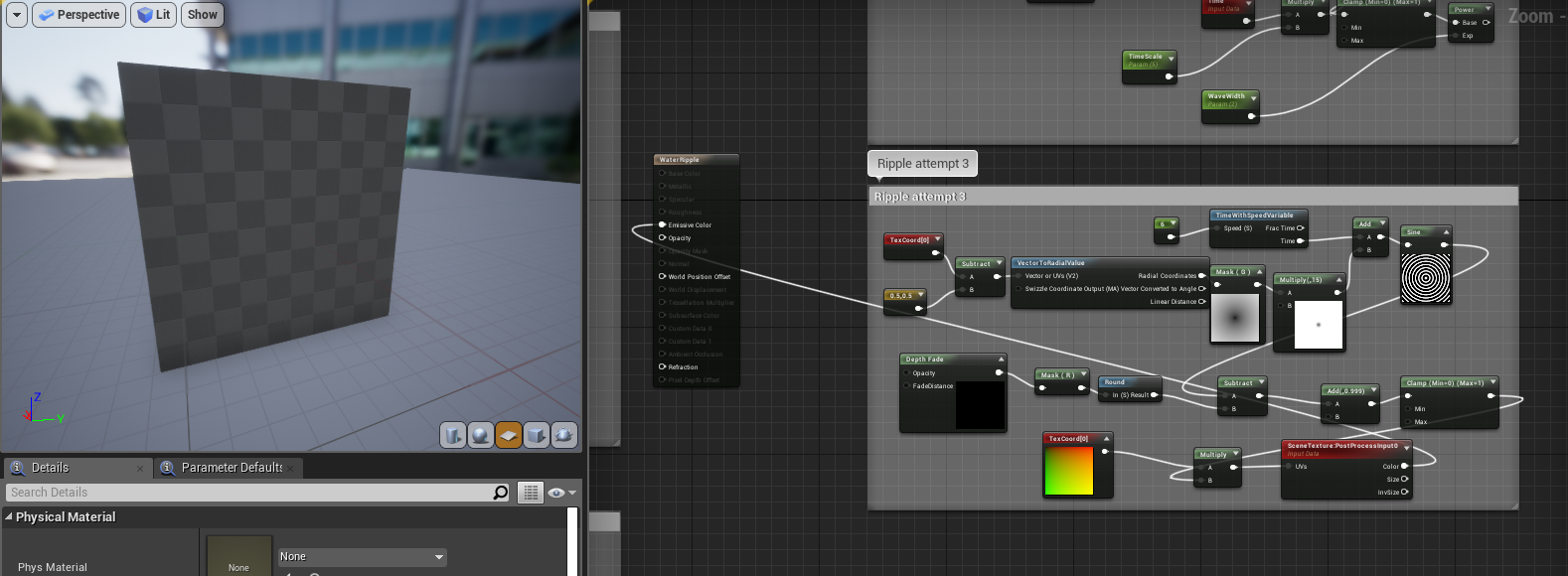
I scrapped attempt 3 after plugging it into the texture preview and seeing nothing, as I was then made unsure if it would work considering the guide was for a post processing effect rather than a particle effect.
Attempt 4:
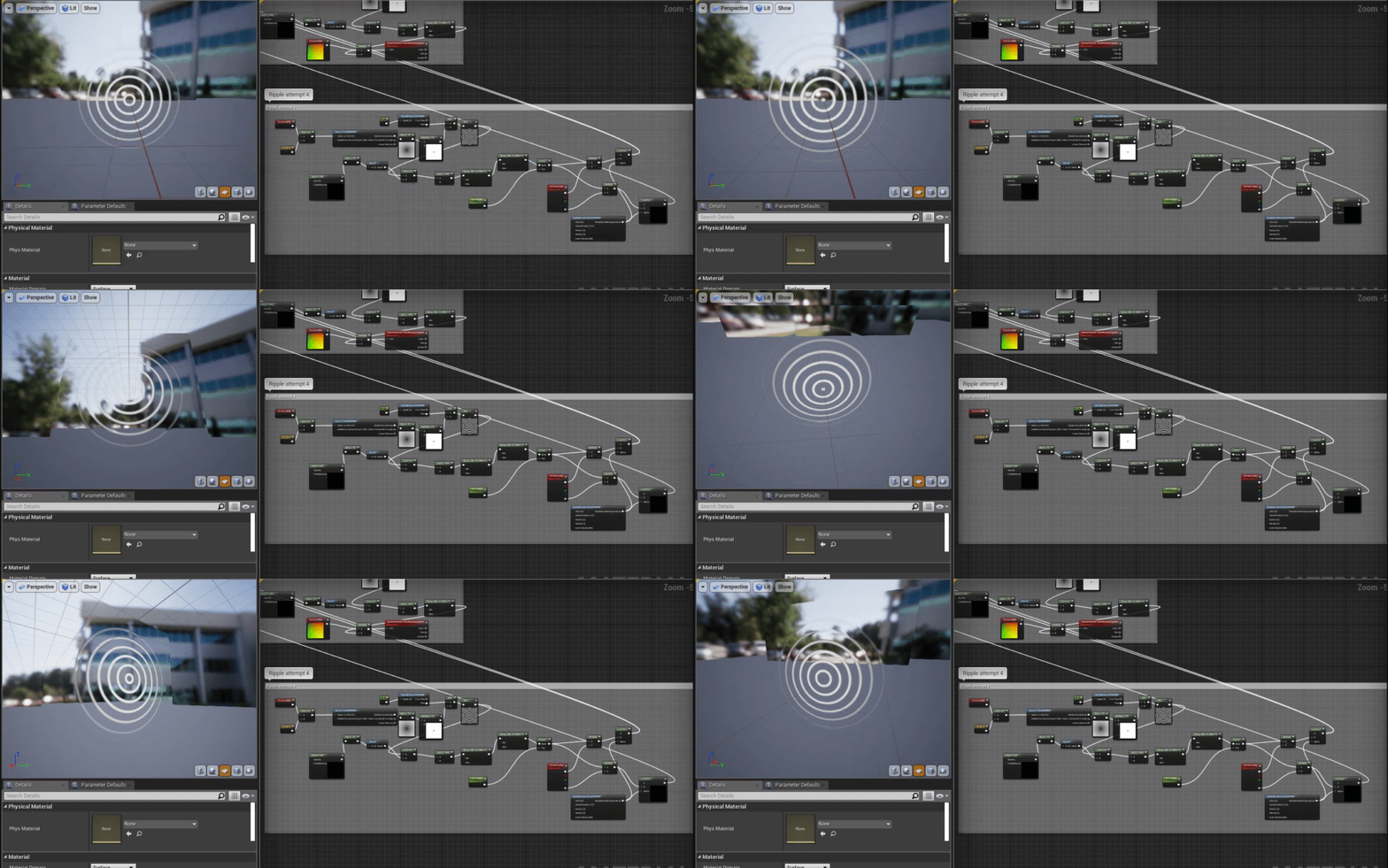
This was where I ended up using what I had learnt from the previous attempts to combine them together into a useable texture that generated from the center, while still being usable for a particle effect.
This was much closer to what I wanted, but the refraction on the outside wasn't being masked properly and I realised that the frequency of ripples was a little distracting, so I decided to try again one more time.
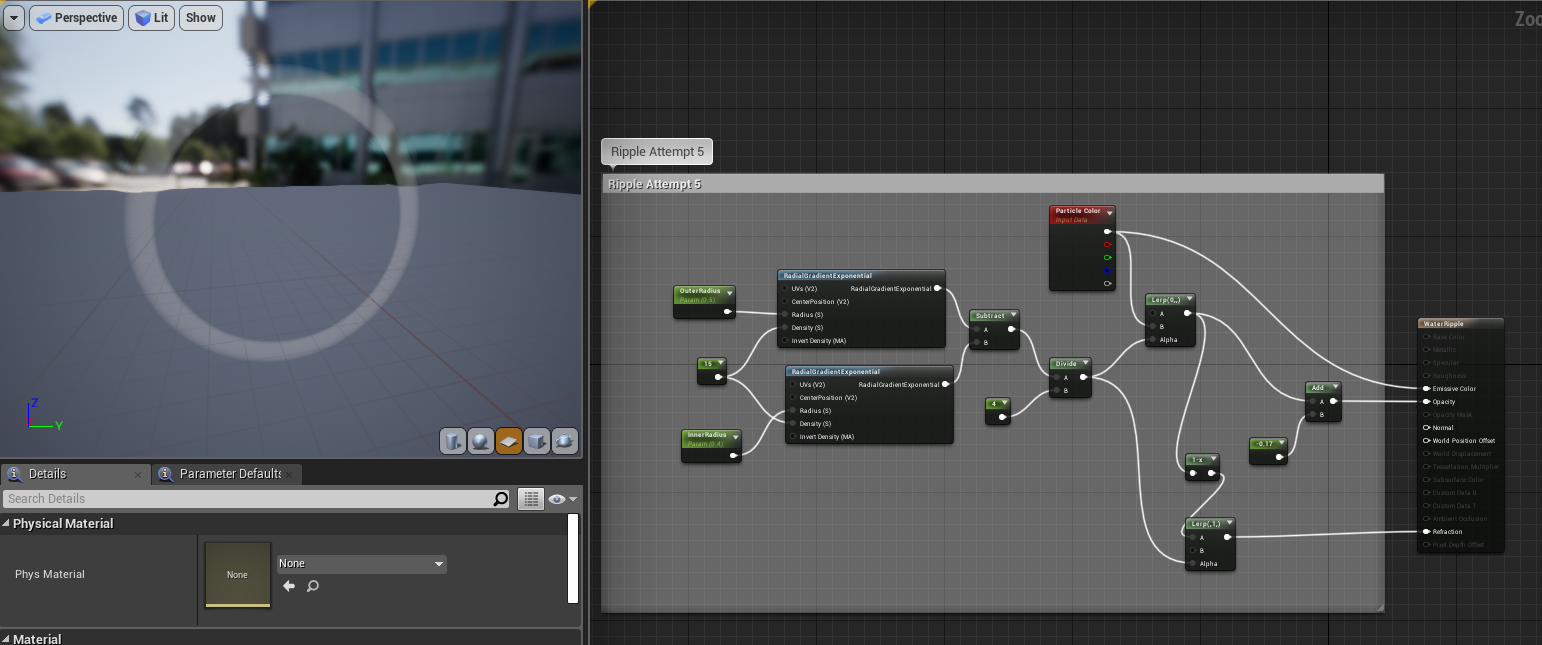
Attempt 5:
This time I decided to use another guide, but used my previous knowledge to tweak it and generate the texture myself.
https://www.youtube.com/watch?v=zz_9ySkEUGY
This material didn't have any panning textures, but it wasn't needed as I could animate it within the particle effect settings myself. I decided that I wanted to add some distortion to the ripples, but to focus on the blueprints in the meantime.