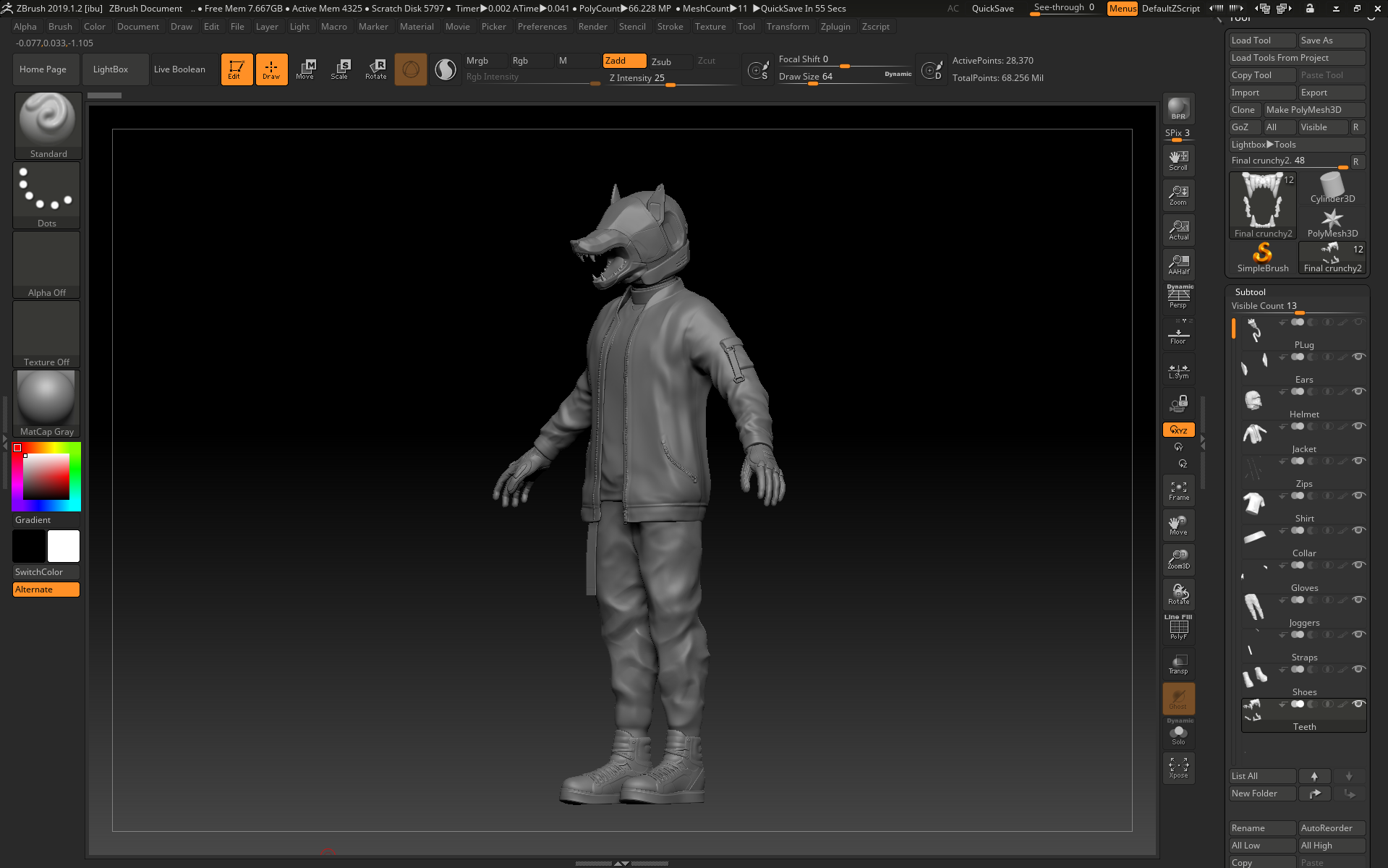
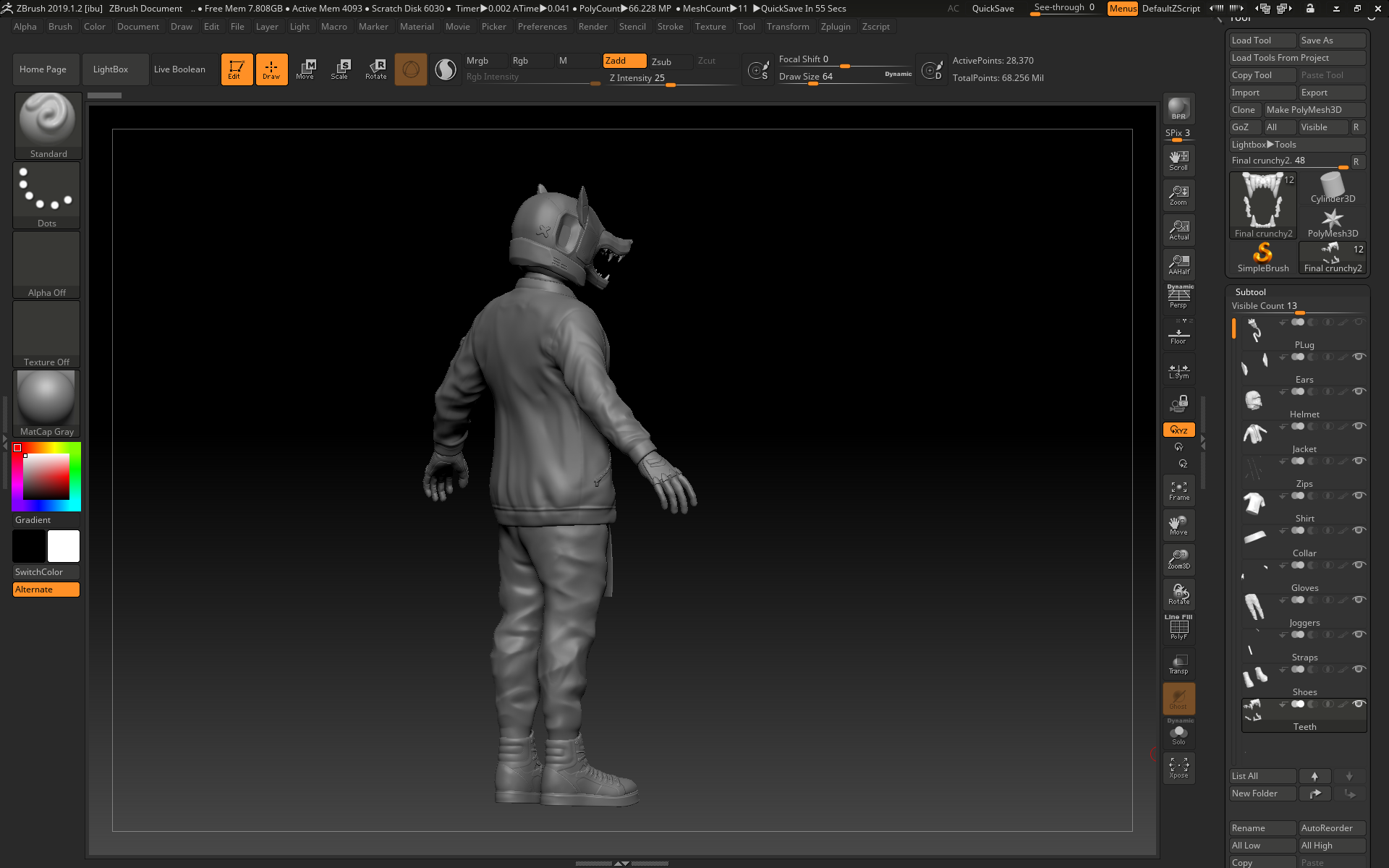
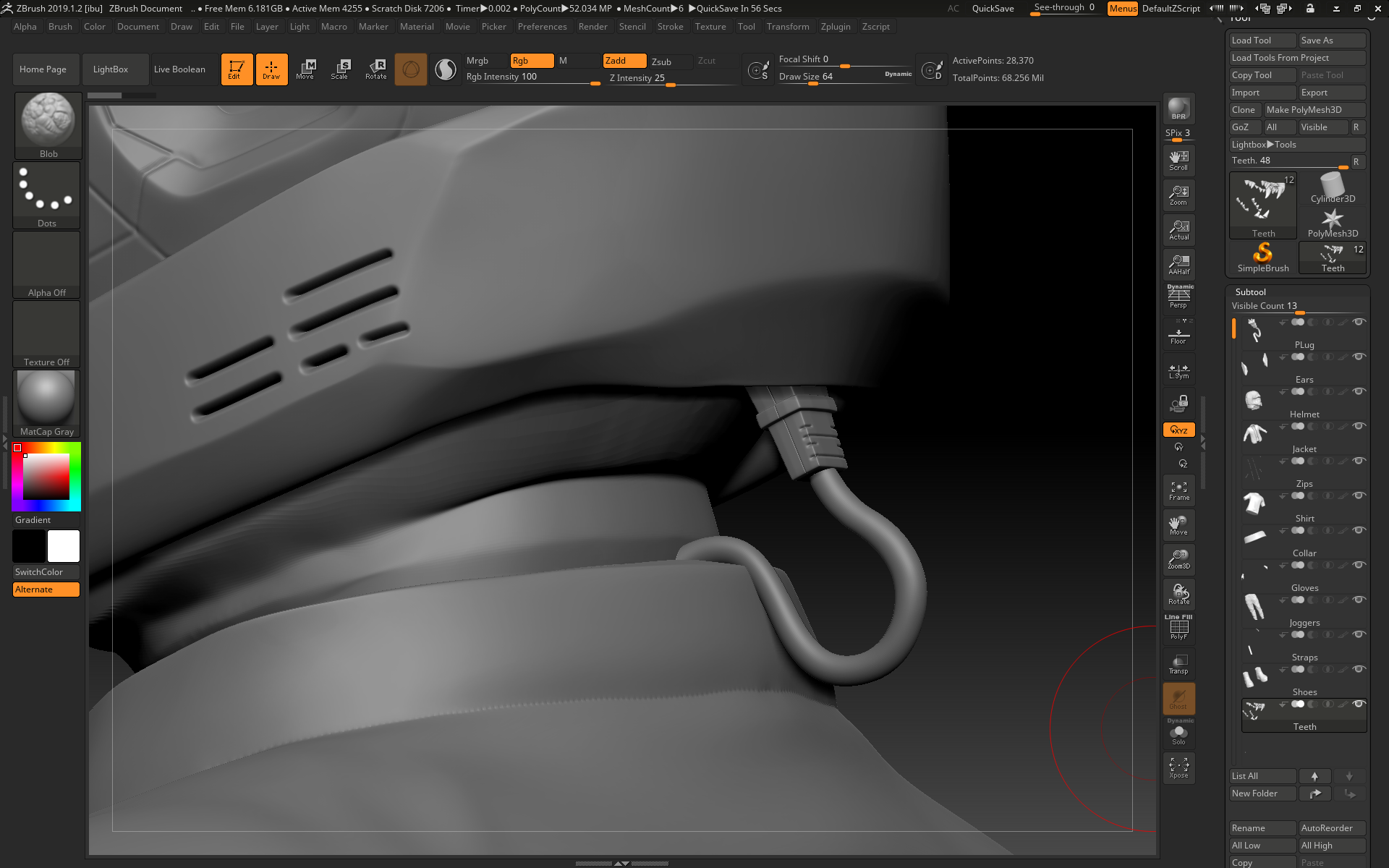
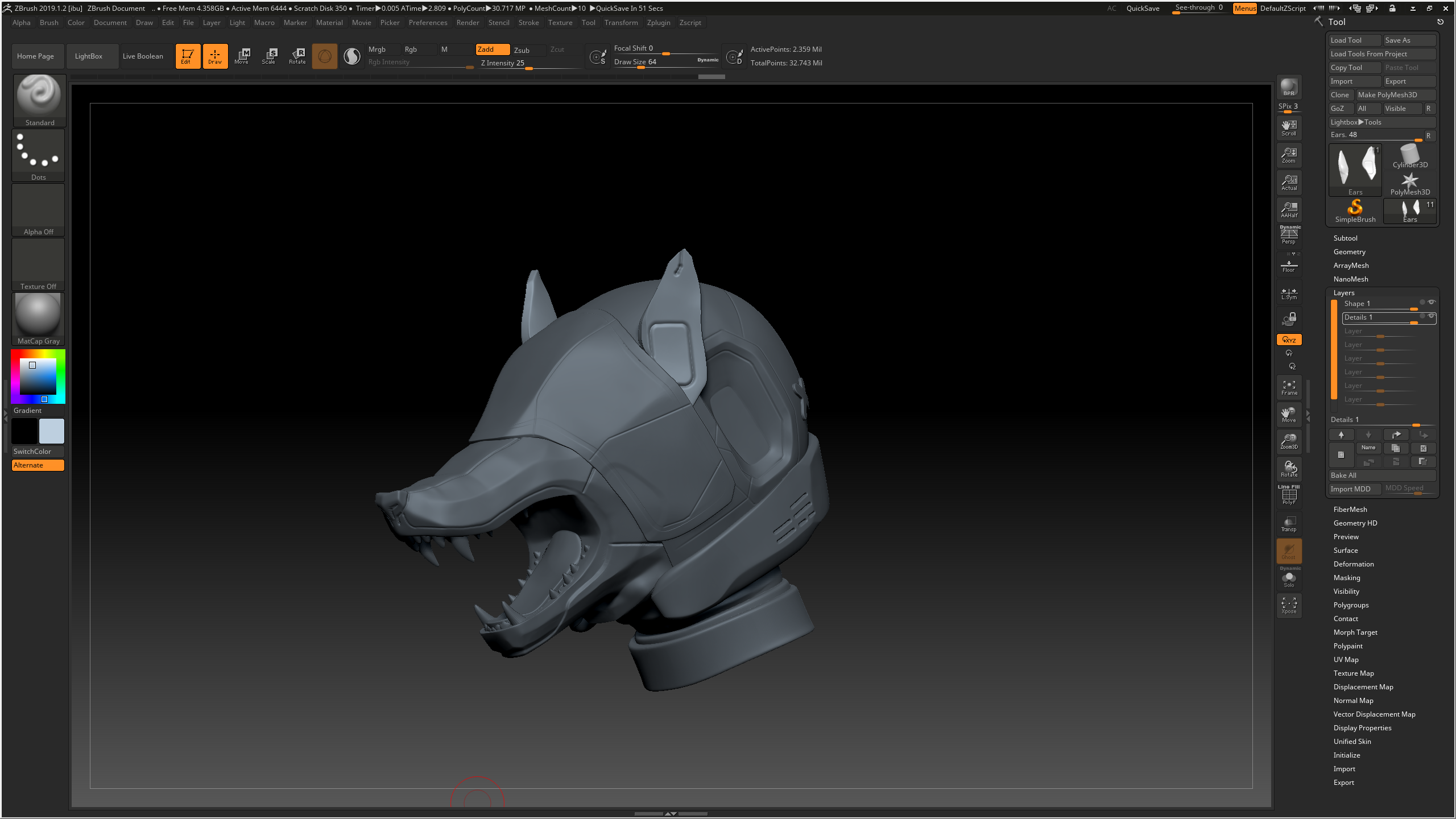
On Thursday I decimated everything to be a low enough polycount to be exported back into 3ds max for retopping. I did this by duplicating everything, then using dynamesh and zremesher to create a lower poly version of each item, then I used project to get as much detail onto the lower poly versions as possible before using decimation master and decimate to crunch down the polycount even further:
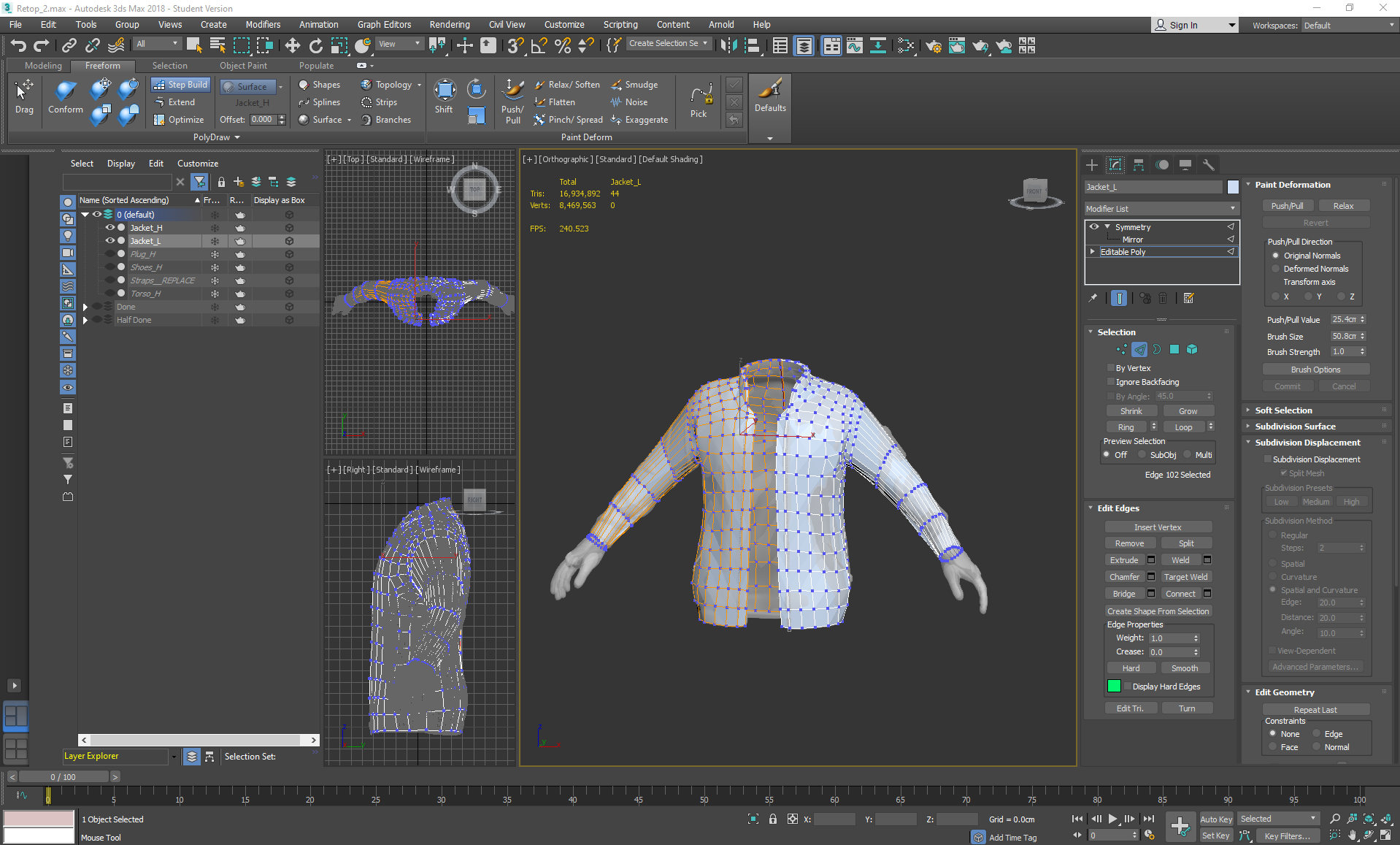
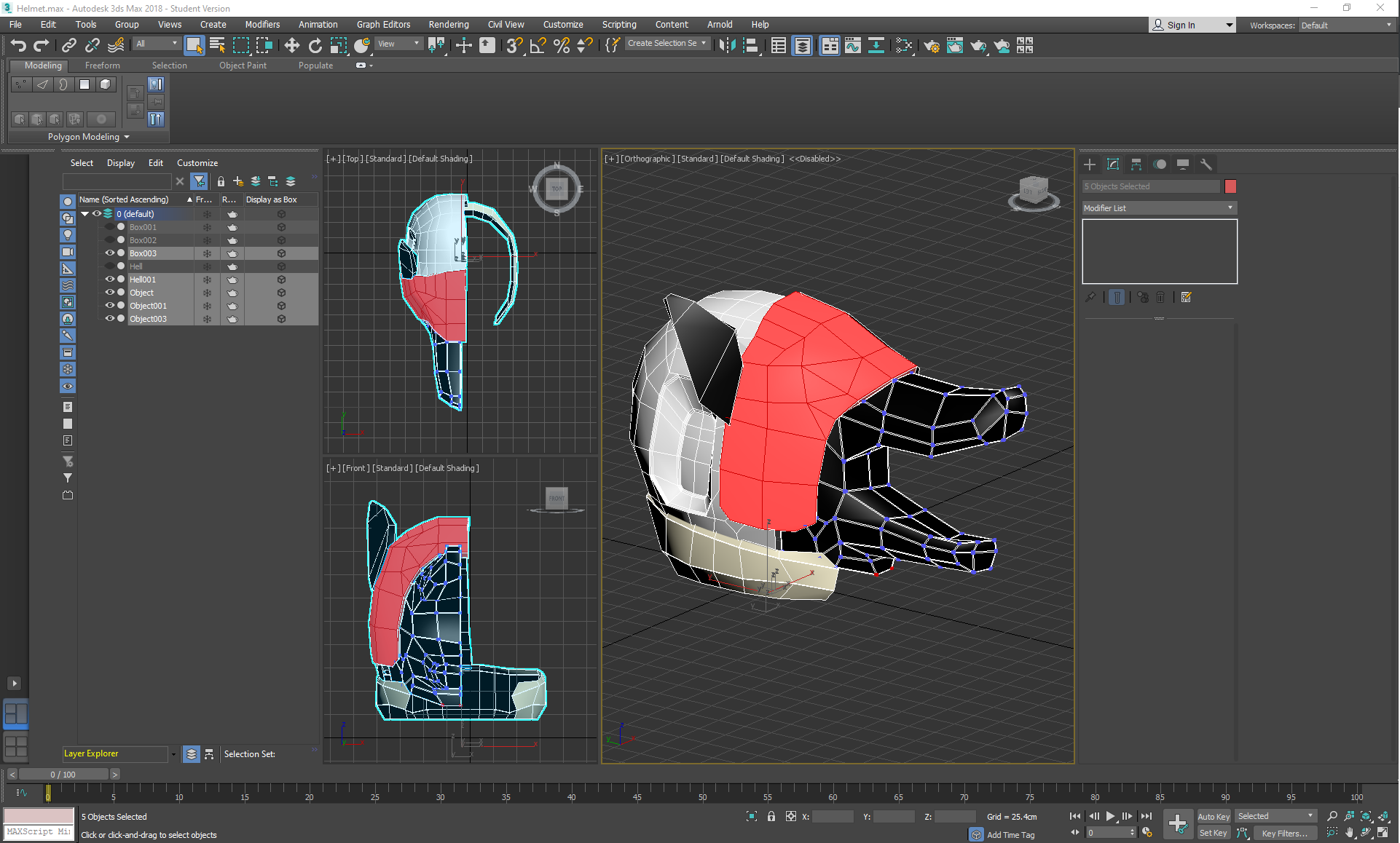
Once it was imported into 3ds max, I started the retopping process:
To achieve this, I used Step Build after picking the highpoly as a surface to draw on. While retopping I would switch between drawing the squares in using the Freeform tab, then adjusting them using Set Flow in the Modeling tab so that they were evenly spaced.
Thursday, November 7, 2019
Wednesday, November 6, 2019
Helmeted Character: Week 3 Wednesday
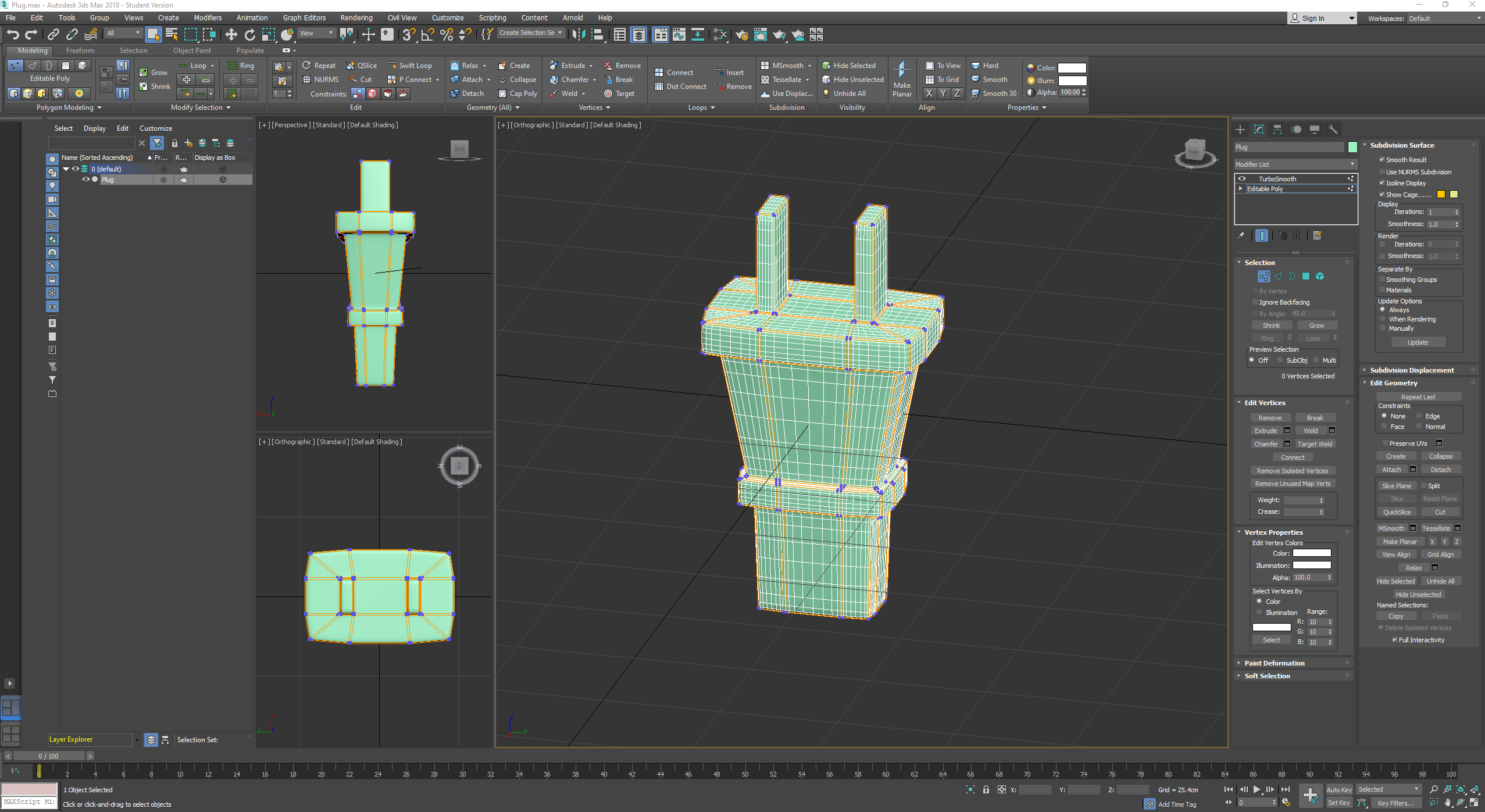
On Wednesday I combined each piece of the model together and made adjustments so that everything would fit together, and also made the plug for the back of the helmet and the straps:
The straps were made with the IMM Strap tool for the straps themselves and then the IMM Gun tool with the F 07 part at the top of the arm strap, which was smoothed and then adjusted with the move tool, then duplicated and placed again at the bottom of the strap.
The plug was modelled in 3ds max, then imported into zbrush to detail further with damstandard for the small ridges, with the wire created using the shoelace IMM Curve tool, which had the ends chopped off with the trim tool and then was moved further into place with the move and move elastic tools.
The straps were made with the IMM Strap tool for the straps themselves and then the IMM Gun tool with the F 07 part at the top of the arm strap, which was smoothed and then adjusted with the move tool, then duplicated and placed again at the bottom of the strap.
The plug was modelled in 3ds max, then imported into zbrush to detail further with damstandard for the small ridges, with the wire created using the shoelace IMM Curve tool, which had the ends chopped off with the trim tool and then was moved further into place with the move and move elastic tools.
Tuesday, November 5, 2019
Helmeted Character: Week 3 Tuesday
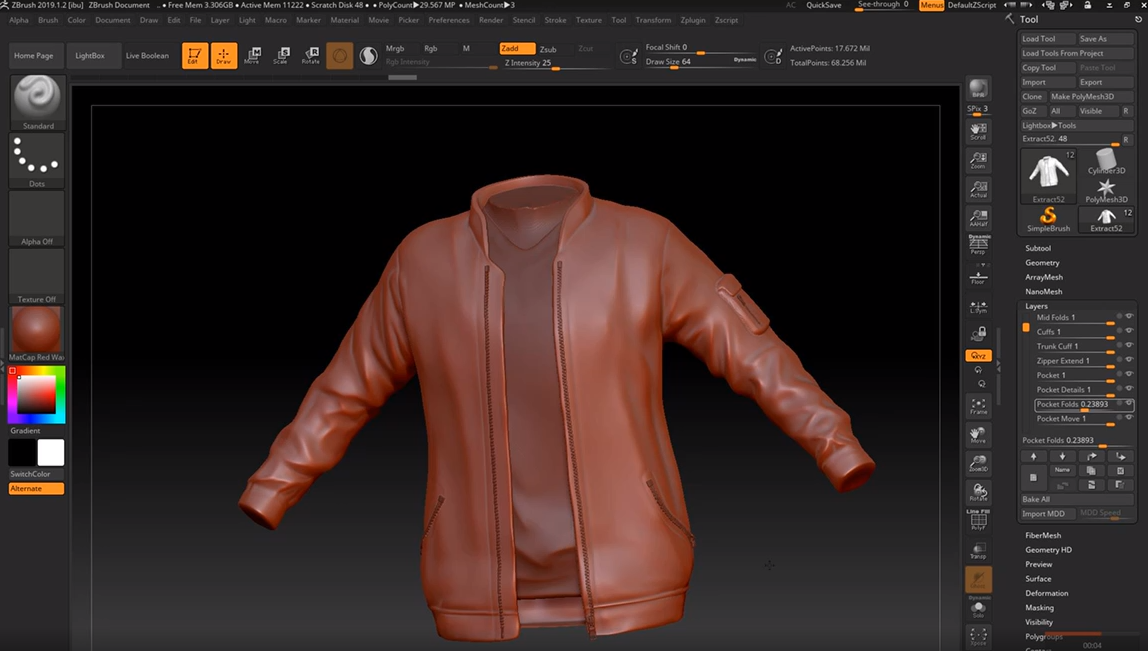
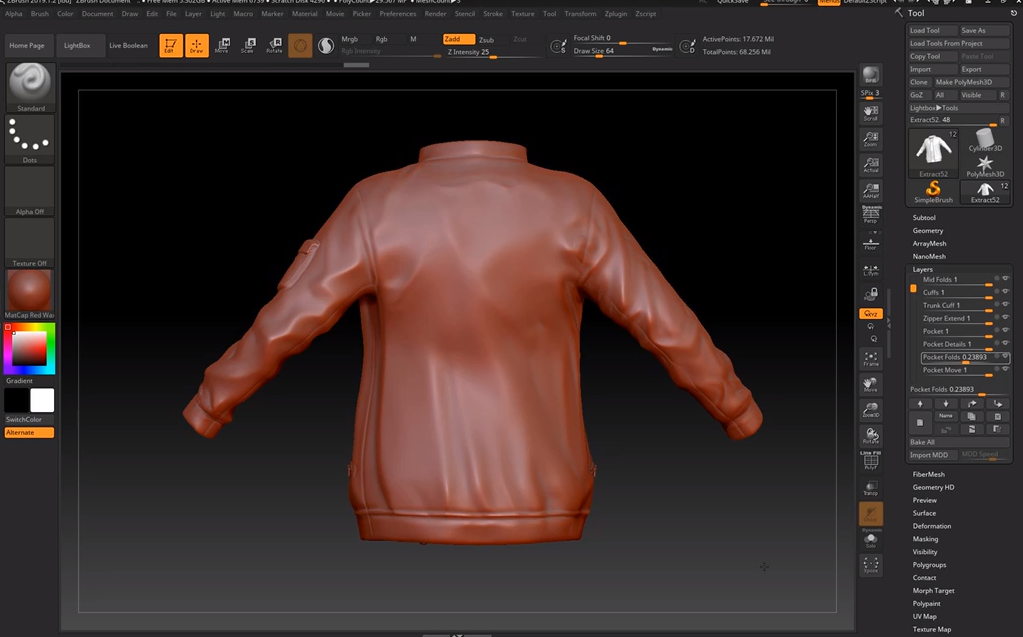
On Tuesday I continued modelling the jacket:
Once again, I used dam standard and pinch to create sharper, more detailed folds. I realised that the zipper area had been extended on the concept and so masked off that area in new layer, inverting it, gradient-ing it, moving it and then smoothing out any imperfections. I masked out the shape of a pocket, then used the layer tool to build up a chunk. I smoothed it out, polished and pinched the edges, then applied another masked layer build up for the flap on the top of the pocket. In another layer I created some subtle folds with damstandard again.
After all of this detailing was done, I used the IMM ZipperP tool to create the zips for the jacket opening, the side pockets and the arm pocket. I shat I could edit them to be moothed them down a little and extracted the side pocket zips so that I could edit them into the shape seen in the concept, by trim rect-ing the shape to be shorter. I also used the move and move elastic tool to place them all more accurately against the surface of the jacket.
Monday, November 4, 2019
Helmeted Character: Week 3 Monday
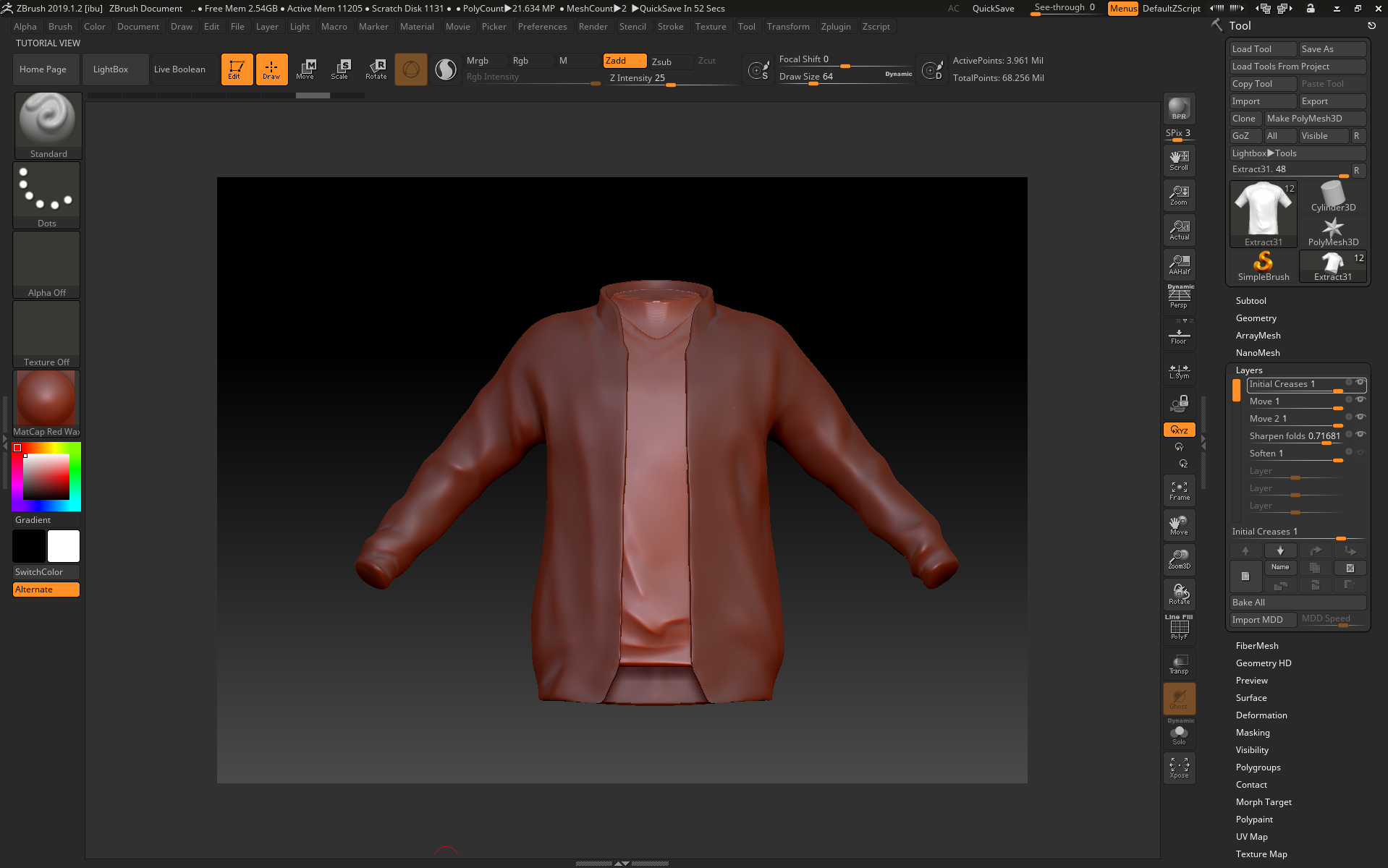
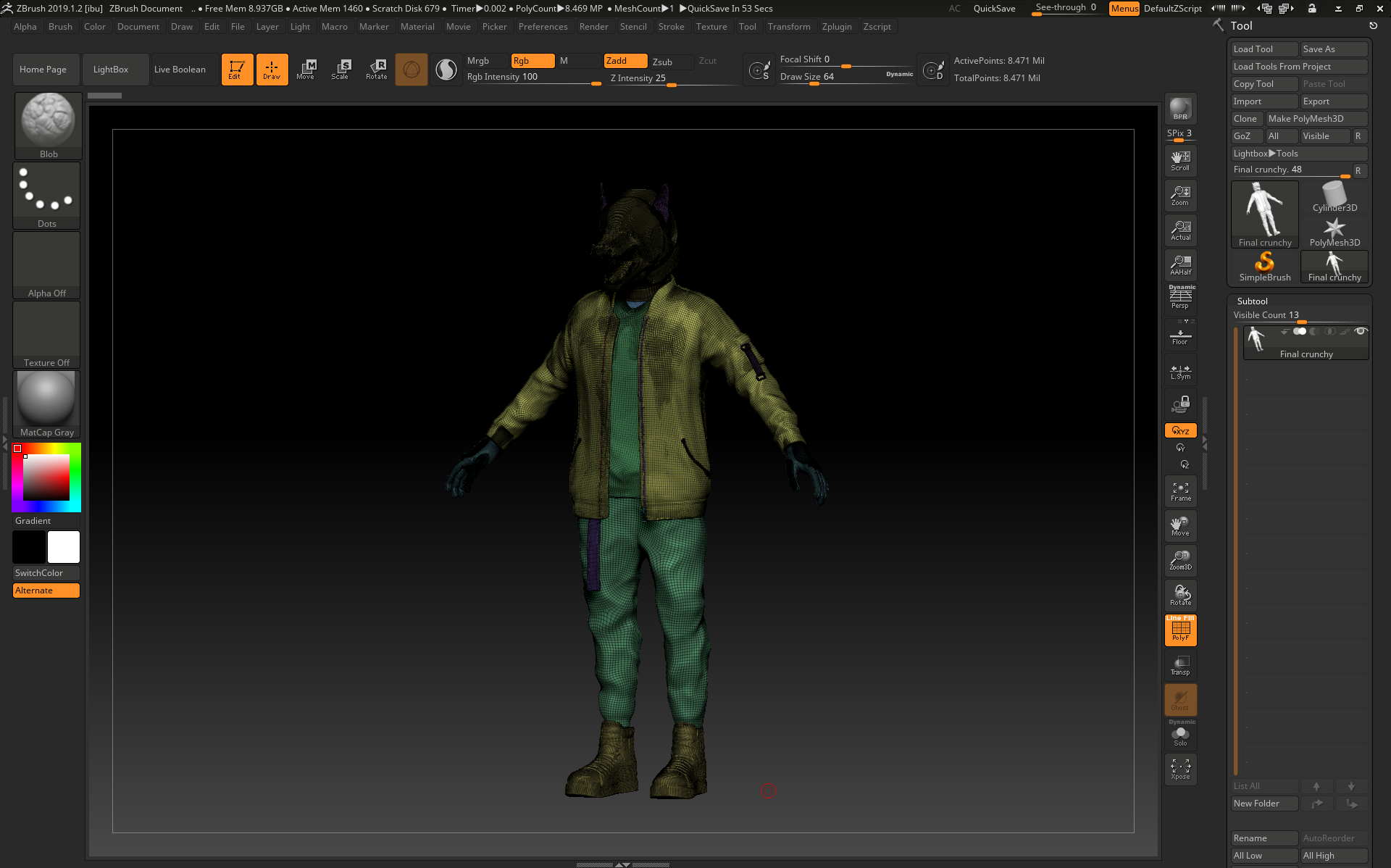
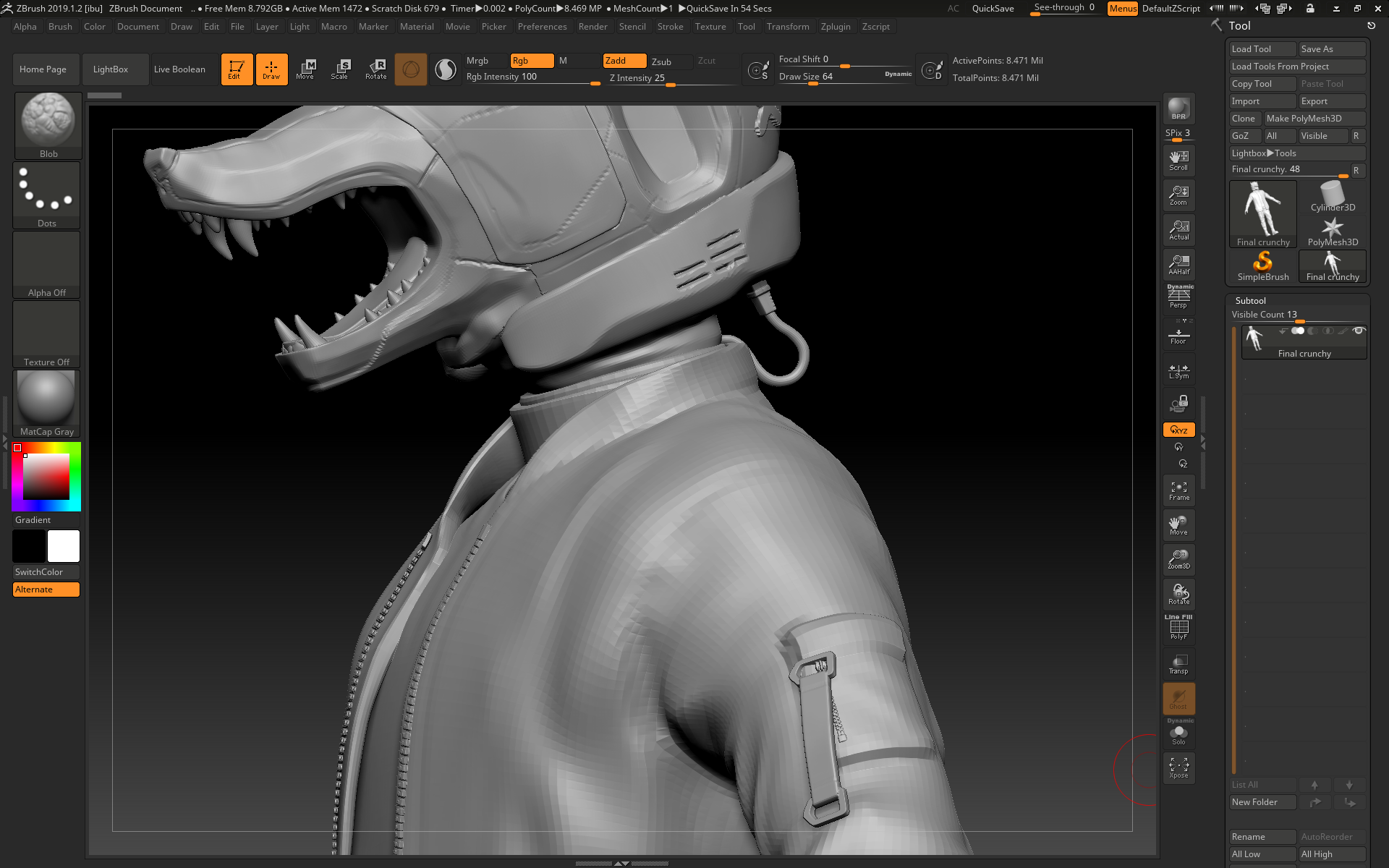
On Monday, I started working on the jacket and shirt in zbrush:
I started with the shirt by extracting it from the torso mesh, then using hpolish on both zadd and zsub modes to flatten out the shirt where it would be hanging off of the torso rather than clinging to it.
I used damstandard on zadd and zsub to create the folds, pinching and softening where needed. I also used the move tool to adjust how the shirt hangs from the body, and using the trim rect/lasso tool to close the holes on the sleeves and trunk of the clothes to make it easier for me to flatten and manipulate the edges later when combining them with the rest of the sculpt.
For the collar, I masked off an area, gradient-ed it a little bit and then used the move tool to drag it upwards, doing the same with the zip areas of the jacket. I then used hpolish to neaten up the edges, switching between symmetry and non symmetry mode so that I could adjust the structure of the jacket while still being able to sculpt in some asymmetrical folds (on a low subdivision layer).
I started with the shirt by extracting it from the torso mesh, then using hpolish on both zadd and zsub modes to flatten out the shirt where it would be hanging off of the torso rather than clinging to it.
I used damstandard on zadd and zsub to create the folds, pinching and softening where needed. I also used the move tool to adjust how the shirt hangs from the body, and using the trim rect/lasso tool to close the holes on the sleeves and trunk of the clothes to make it easier for me to flatten and manipulate the edges later when combining them with the rest of the sculpt.
For the collar, I masked off an area, gradient-ed it a little bit and then used the move tool to drag it upwards, doing the same with the zip areas of the jacket. I then used hpolish to neaten up the edges, switching between symmetry and non symmetry mode so that I could adjust the structure of the jacket while still being able to sculpt in some asymmetrical folds (on a low subdivision layer).
Friday, November 1, 2019
Helmeted Character: Week 2 Friday
On Friday I started working on the Helmet in zbrush:
After subdividing the geometry and enabling the layer recording mode, I used the smooth tool to smooth down any unwanted sharp edges left behind by the turbosmooth while still keeping some edges on the snout for a more manmade effect. I used pinch, trim dynamic, flatten and hpolish to create more of a dramatic transition between different angles, furthering the man-made helmet vibe as opposed to a smooth organic shape. I used damstandard and slash on a higher subdivision level for any line indents, and used the planar tool to try and flatten the center of the concave areas. For the tongue and the 'X' marks, I masked off areas with the mask lasso and pen tools, then extracted them. The teeth were made from appended cones that were manipulated into shape through the move elastic tool and smooth, then duplicated and placed accordingly. I also masked off an area around the mouth for the indented markings, and used the layer tool to subtract a layer around the mouth.
Thursday, October 31, 2019
Helmeted Character: Week 2 Thursday
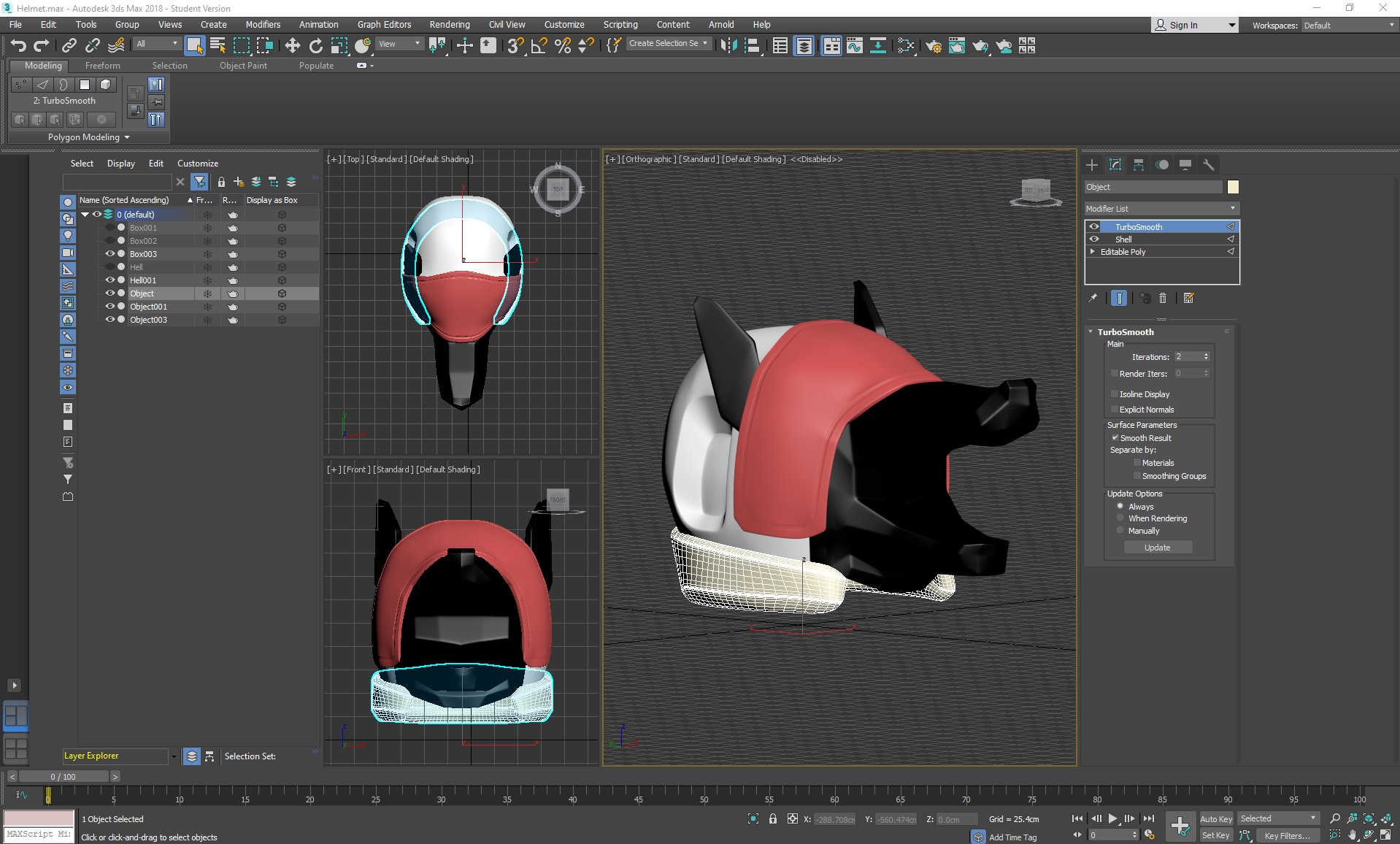
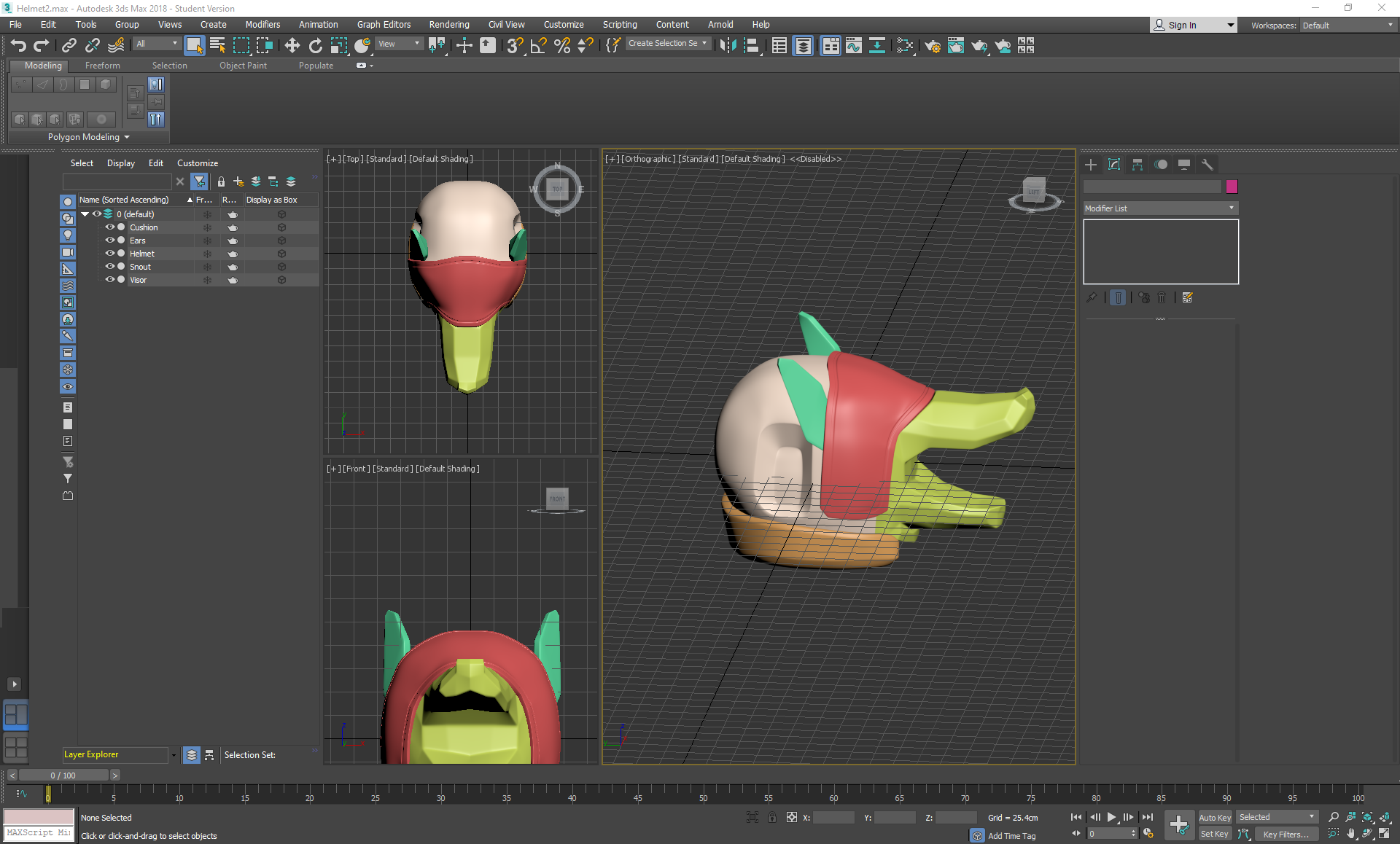
On Thursday I started working on the Helmet in 3ds max, making a turbosmoothed blockout before exporting it into zbrush to sculpt further:
I box modelled the majority of the helmet by spherifying a cube, using inset and extruding out areas like the snout, visor, and concave areas. I strip modelled out the cushioned area, detached it and then applied a shell modifier to add thickness. I then applied symmetry and turbosmooth; strategically placing swiftloops and chamfers in areas that needed sharper edges. Finally, I collapsed everything, deleted any excess backup cloned versions and exported each of the parts in a bundled .obj file so that I could work on them separately as subtools in zbrush.
Wednesday, October 30, 2019
Helmeted Character: Week 2 Wednesday
At this point I decided to take another shot at Marvelous, getting as far as learning how to set custom arrangement points and bounding volumes to my mesh. I decided to test a default long sleeve shirt on my mesh, with the understanding that the character will be wearing a long sleeve jacket and a shirt by the end of the project. I immediately encountered a problem in which the sleeves clipped outside of the arms and wouldn't preposition themselves anywhere else mo matter how hard I tugged at them.
because of this, I decided to ditch marvelous this time and go back to what I was more comfortable with for this project.
Subscribe to:
Posts (Atom)